

Smart thermostat installation has become the go-to upgrade for homeowners who want to cut energy bills, automate indoor comfort, and boost property convenience—yet many are surprised by hidden hurdles surrounding compatibility, wiring, and setup.
Key Takeaways
- Smart thermostats deliver 10-15% annual energy savings, but installation in older homes can raise challenging wiring and compatibility issues.
- DIY installation dominates, yet lack of clear guidance on technical specs or troubleshooting leaves many first-timers struggling.
- Rebates and incentives can offset costs—over 80 North American utilities offer up to $100 back per installation.
- What Is Smart Thermostat Installation—and Why Do It?
- Step-by-Step: Smart Thermostat Installation Guide
- Advanced Analysis & Common Pitfalls
- Conclusion
- Frequently Asked Questions
What Is Smart Thermostat Installation—and Why Do It?
Smart thermostat installation means swapping out your basic wall thermostat for an internet-connected, app-controlled unit that learns your habits and automatically adjusts heating and cooling for comfort and energy savings. These Wi-Fi enabled devices—offered by big brands like Nest, Ecobee, and Honeywell—let you program or tweak the temperature from your phone and take advantage of automations like geofencing or adaptive scheduling.
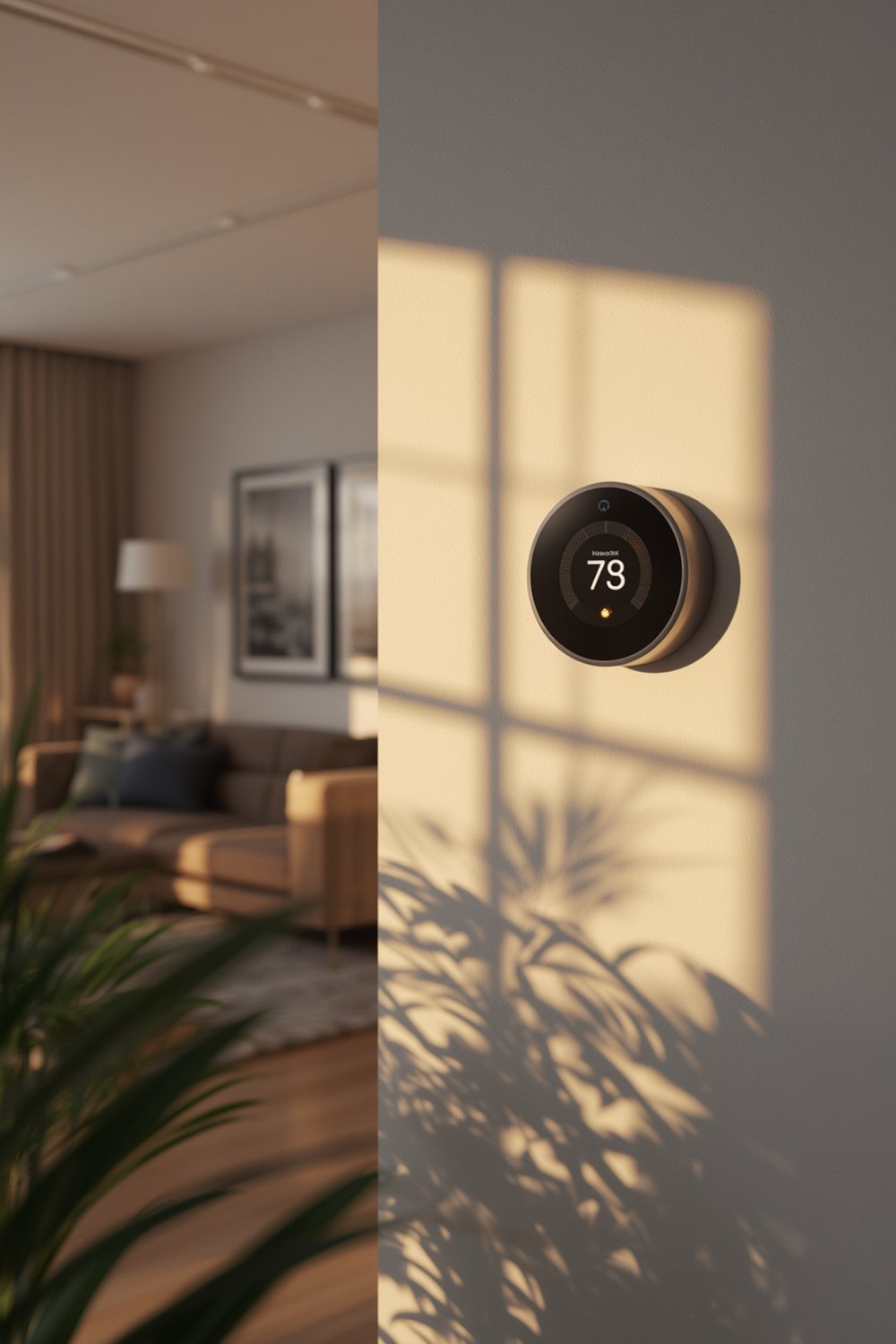
Why bother? Nearly half of a household’s energy bill is HVAC related. Research shows smart thermostats can trim heating and cooling costs by 10-15% per year (source). By 2030, nearly half of Western European and North American homes are projected to adopt smart thermostats (source). If you want to move into the future with personalized comfort, remote control, and real energy savings, a smart thermostat is a proven next step.
Smart thermostats also unlock deeper integrations within your home. If you use products like a smart pet feeder, automatic litter box, or even an app-controlled irrigation system, connecting them within a smart home ecosystem increases efficiency and day-to-day control.
Step-by-Step: Smart Thermostat Installation Guide
Installing a smart thermostat can be a one-hour DIY job–or a maddening weekend project. Here’s a practical walkthrough using lessons from real installs.
1. Gather Tools & Confirm Compatibility
- Smart thermostat (confirm model: Nest, Ecobee, Honeywell, etc.)
- Screwdrivers, level, drill (if needed)
- Camera/phone to photograph current wiring setup
- Wi-Fi password and mobile phone for app pairing
Check manufacturer’s compatibility tool online to ensure your HVAC system and wiring work with your chosen model. If you have systems with very high or line voltages, or no C-wire, you may need extra adapters or professional help.
2. Shut Off Power & Label each wire
- Switch off power to the heating/cooling system at the breaker panel.
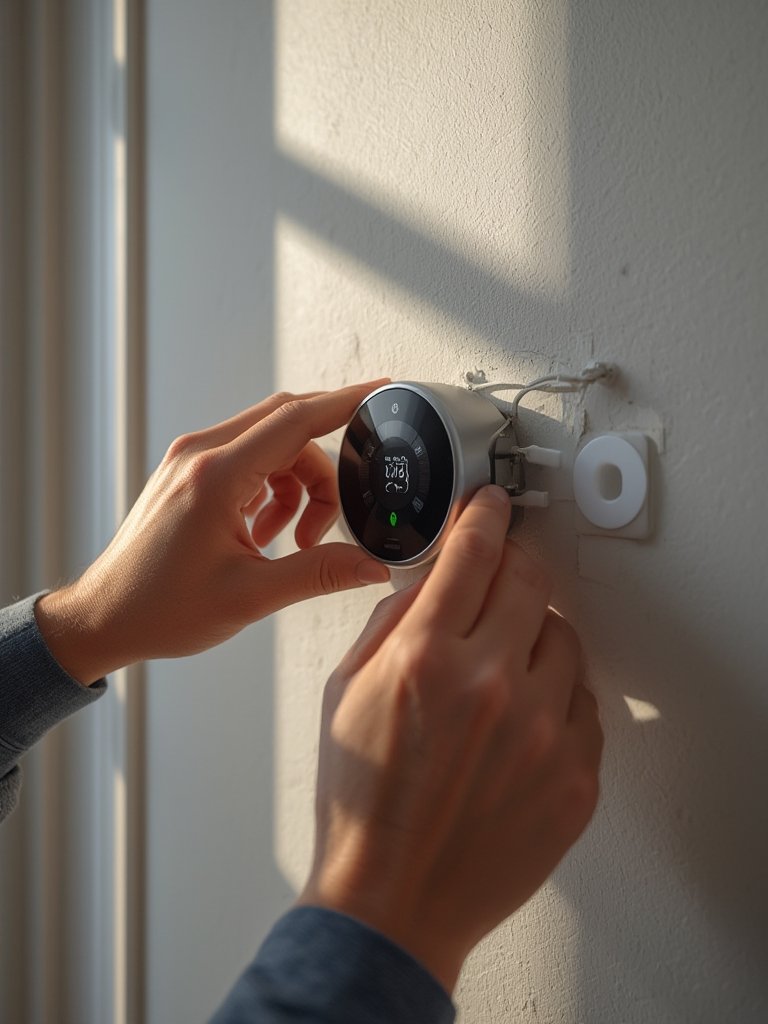
- Remove the old thermostat cover and—before disconnecting wires—take a photo of the current setup.
- Label each wire with included stickers or masking tape for simple matching later.
3. Mount The Base Plate
- Remove the old thermostat base, making note of any extra holes that need patching.
- Attach the new base plate with provided screws and ensure it’s level.
4. Connect Wires According to Labels
- Insert each labeled wire into the matching terminal on your new thermostat.
- If using a C-wire adapter kit, follow the manual exactly; improper setup can fry your HVAC system or the thermostat.
- Double-check connections—they must be tight, with no stray copper.
5. Attach Faceplate, Restore Power, and Setup via App
- Snap on the faceplate and turn the circuit breaker back on.
- Follow the manufacturer’s on-screen setup guidance, using your phone or the thermostat’s display.
- Download the official app, connect to Wi-Fi, and run calibration tests as prompted.
If app pairing fails, a hard reset (pressing the main button for 10+ seconds) often resolves it.
For even more home automation, platforms like Google Home or Amazon Alexa can control your thermostat, pet devices like a GPS dog fence, and smart watering systems—tightening your home’s efficiency loop.
6. Program Automations and Learn Your System
- Set daytime, nighttime, and away schedules in the app.
- Enable geofencing so the system knows when you’re home or away.
- Monitor your usage stats and tweak for comfort—and max savings.
If problems persist, check wiring again or contact support. In rare cases, an outdated HVAC system may simply not be compatible.
Advanced Analysis & Common Pitfalls
Not every smart thermostat installation goes smoothly, especially in older homes or with non-standard HVAC systems. Here’s what research and installer experience reveal are the key stumbling blocks—and what to do about them.
| Pitfall | What To Watch For | Fix or Prevention |
|---|---|---|
| Missing C-Wire | Thermostat displays power cycling/losing connection; app setup fails | Use a C-wire adapter kit or call a professional |
| Incompatible HVAC Systems | High-voltage (120V/240V) baseboard heaters; proprietary or multi-stage systems | Double-check compatibility, use manufacturer tool, or consult an HVAC pro |
| Wi-Fi Dropouts or Weak Signal | Thermostat goes offline, automations unreliable | Install closer to router, or use a Wi-Fi extender |
| App Pairing Issues | App won’t detect device; pairing fails repeatedly | Hard reset device, ensure 2.4GHz Wi-Fi, and retry |
| Limited Smart Home Integration | Can’t connect to Alexa/Google/Apple, or to other smart home routines | Confirm ecosystem compatibility before buying; update firmware post-install |
| No Guidance For Non-Tech Users | Instructions seem overwhelming; stuck on any step | Seek video tutorials, or opt for professional installation |
One important overlooked area is accessibility for less tech-savvy users—especially seniors or those new to smart tech. Update your installation by pairing with platform guides or viewing video walkthroughs, as many manuals skip common troubleshooting steps. And don’t forget to check whether internet security needs tightening post-setup, since Wi-Fi connected thermostats introduce small but real privacy risks if networks are left open (source).
Integrating your new thermostat into a broader smart home can be another challenge. For example, if you’ve set up smart devices like a roller pet hair remover or a battery powered lawn mower, check your preferred hub (Google/Alexa/HomeKit) for compatibility listings before purchase. Integration lets you automate routines such as pausing the lawn mower when the AC is on, or setting alerts if your pet is home alone during a power outage.
Conclusion
Smart thermostat installation is one of the best home upgrades for cutting energy costs and adding convenience, but wiring mysteries, compatibility issues, and unclear app instructions can turn it into a challenge. If you follow a methodical approach—especially checking wiring upfront and leveraging rebates—your home can be smarter, more efficient, and ready for the future. For more home tech guidance, check out our advice on setting up a vertical garden system or renter-friendly wall panels. Ready to improve your comfort and savings? Start your smart thermostat installation today and reap the rewards by the next billing cycle.
Frequently Asked Questions
How do I know if my home needs a C-wire for smart thermostat installation?
Most modern smart thermostats require a C-wire. Remove your old thermostat cover and check for a wire labeled “C.” If it’s missing, look into a C-wire adapter or have one installed by a pro.
Do smart thermostats work with all HVAC systems?
No. Some high-voltage or specialty HVAC systems are incompatible. Always use the thermostat manufacturer’s online compatibility tool before purchasing.
What energy savings can I realistically expect?
Studies show 10-15% annual energy savings on heating/cooling bills are typical if you enable auto-scheduling and geofencing features (source).
Are there rebates or incentives for installing a smart thermostat?
Yes, over 80 North American utility companies offer rebates ranging from $75-$100 per installation. Check local utility or state websites for details.
What’s the best way to troubleshoot app connection issues?
Restart your thermostat and router, make sure you’re on a 2.4GHz Wi-Fi network, and try the setup process again. A hard reset and updating your app can also help resolve pairing problems.