

Smart sprinkler controller systems are transforming the way homeowners manage irrigation, cutting water use, reducing bills, and simplifying lawn care through automated, app-connected controls. Here’s what you need to know before you install one.
Key Takeaways
- Smart sprinkler controllers save 20-50% on outdoor water use, translating to significant utility bill reductions and healthier landscapes.
- Compatibility, reliable connectivity, and installation can be stumbling blocks—full integration isn’t always seamless.
- Market leaders offer advanced weather and soil data integration, but device security and ongoing subscription costs remain murky.
The Core Concept
Smart sprinkler controllers replace old-fashioned irrigation timers with a connected system that uses WiFi, weather data, and sometimes soil sensors to automate watering. The main aim is simple—only water when needed, and never more than necessary, which immediately results in water conservation and lower bills.
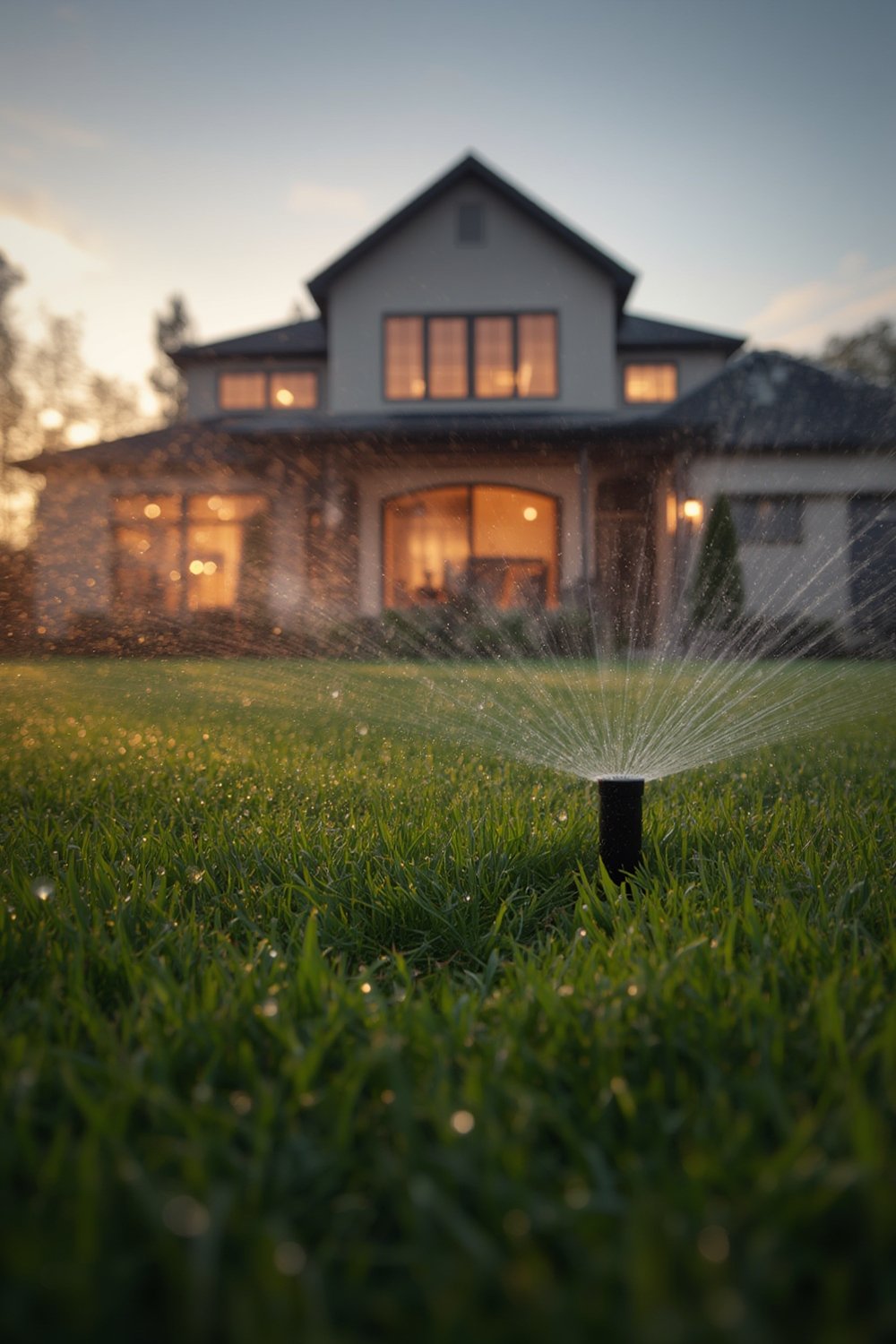
What makes a smart sprinkler controller “smart” is its real-time adjustment based on rain, temperature, humidity, and even your specific soil and plant needs. Leading systems (like Rachio and others) connect to mobile apps for remote control and monitoring. Some integrate with flow meters for leak detection and reporting.
According to a review of 80+ studies, smart controllers lead to consistent water savings—15% for most, 40% for high-usage households, and up to 47% for advanced soil-sensor setups (source). For an average home, this is a potential saving of 3,000–7,500 gallons per year (source). This not only cuts water bills but also makes lawns more resilient—with reduced disease and pest outbreaks due to optimal root-zone moisture.
Many municipalities now incentivize or even provide free smart controller installation, thanks to environmental and cost benefits. Market growth (valued at $1.86 billion in 2024 and projected to hit $2.16 billion in 2025) shows this isn’t a niche—efficient irrigation is becoming a new standard (source).
If you’re interested in optimizing other tech for your home, check out our guides on automatic litter box and smart pet feeder systems.
Step-by-Step Guide
Ready to install and get the most out of your smart sprinkler controller? Here are the steps to follow for a smooth start and optimal efficiency:
-
- Review Existing System
Before purchase, check that your irrigation wiring, valve type, and WiFi dead zones at the controller’s location are compatible with the new smart unit. See if your current system uses standard 24VAC; many older or proprietary systems need extra adapters. - Choose the Right Controller
Match the number of zones supported to your yard. Most models cover 6–16 zones, but some larger properties may need multiple units.
Check app ratings—look for intuitive scheduling, robust weather integration, and useful alerts. Brands like Rachio or Orbit have active support forums and regular app updates.For lawns that use artificial turf instead of traditional grass, you might be interested in pet-friendly turf to further minimize water use.
- Remove Old Timer & Label Wires
Safely power down your old timer. Remove and clearly label every zone wire, common wires, and any sensor or pump wires. Take clear, close-up photos so you always have a reference. - Mount and Connect Controller
Install the new unit (indoor or weatherproofed outdoor). Connect zone wires per instructions, following app prompts during setup.
- Review Existing System
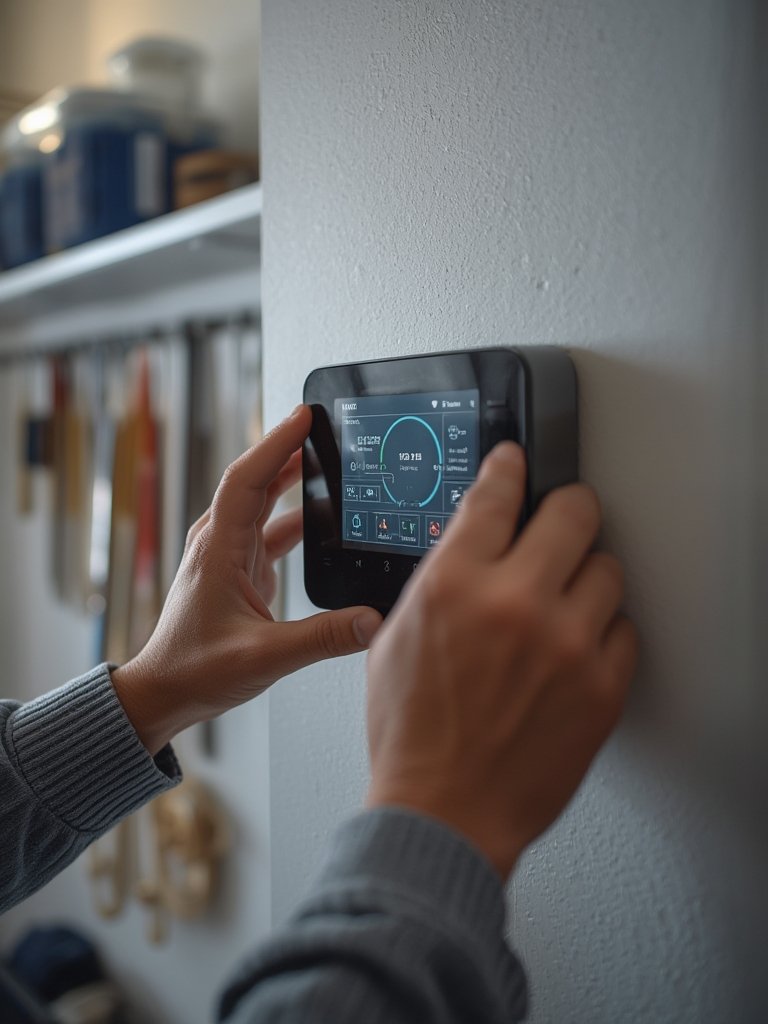
- Connect to WiFi and Configure App
Most controllers use Bluetooth or direct WiFi for setup. Expect to scan a QR code, enter WiFi info, and update the device firmware via app before first use. - Set Up Zones and Scheduling
Within the app, label each zone with a name or photo (e.g., “Front Lawn”). Configure soil type, sun exposure, plant type, and slope for each zone. Use advanced options if you have a rain sensor or flow meter. - Enable Weather Data and Smart Features
Activate weather integration so the system automatically skips watering on rainy or cool days. Consider “seasonal” adjustment options, or connect to a local weather station if supported. If available, enable automatic leak detection and app notifications. - Run a Test Cycle and Monitor Alerts
Run each zone from the app to verify full valve operation and coverage. Monitor app alerts for errors or above-average water use in the first week, and fine-tune schedules as needed.
Looking for efficient garden design? Read our comprehensive vertical garden system setup guide for tips on planning and watering wall gardens.
Advanced Analysis & Common Pitfalls
Despite big promises, smart sprinkler controllers come with several real-world hurdles and downsides:
- Compatibility: Many controllers require a standard 24VAC system; if you have a proprietary or older system, you may face wiring or voltage issues.
- Connectivity: WiFi dead zones are a surprisingly common problem—controllers need a strong, stable signal at the mounting location.
- Integration: Not all controllers play well with flow meters, rain sensors, or home automation hubs. Universal communication standards are still lacking (source).
- Hidden Costs: Most brands include app access for free, but some features—like advanced analytics or local weather station integration—may require subscriptions or third-party devices. Confirm what’s truly included before purchase.
- Security: No major studies detail risks, but any device on your WiFi network is a potential attack vector. Security updates, strong, unique passwords, and limiting device permissions are best practices.
| Controller Feature | Typical High-End Performance | Potential Issues |
|---|---|---|
| Zone Coverage | 6-16 zones (expandable with add-ons) | Large properties need multiple units |
| Weather Data Integration | App-based, real-time weather adjustments; local station support | May require premium app plans; weather service outages |
| Soil/ET Sensor Support | Optional soil/ET sensor inputs enhance precision | Sensors add setup complexity and cost |
| Flow Meter Integration | Enables leak detection, automatic shutoff | Not all brands support; calibration required |
| App & Smart Home Compatibility | iOS, Android, Alexa, Google Home integration | May require firmware updates or extra hardware |
| Upfront & Hidden Costs | Basic app free, ongoing savings on bills | Potential for subscription fees, sensor cost |
Some customers report a learning curve for app-based controls, especially with many zones or shared family access. Initial setup can also expose wiring or valve problems previously hidden by a “set and forget” timer. Keep your system firmware and app updated to avoid connectivity and security issues down the road.
For pet owners, watering upgrades can benefit areas with pet water fountains or outdoor dog enrichment toys—clean water and healthy plants go together.
Conclusion
If you’re ready to futureproof your yard, a smart sprinkler controller can yield robust water savings—often paying for itself within a season or two. Pay attention to compatibility, app features, and warranty terms before you buy. There’s still room for improvement in the smart irrigation world, but for most, the upsides far outweigh the learning curve or initial setup hiccups. Start now to optimize watering, save on utilities, and enjoy a healthier, greener lawn. Looking for other home automations? Our guides for automatic litter box upgrades and vertical garden systems offer even more tech inspiration. Choose your smart sprinkler controller with care, and take control of your landscape—one zone at a time.
FAQ
How much money can I save per year with a smart sprinkler controller?
Most users save 20–50% on outdoor water use, leading to utility bill savings of $100–$400 per year for an average suburban home (source).
Are there any hidden or ongoing subscription fees for these controllers?
Basic scheduling apps are usually free, but certain advanced features (detailed analytics, local weather station use) may require a subscription or separate device purchases. Always check each brand’s fine print before buying.
Will a smart sprinkler controller work with my existing system?
Most are designed for standard 24VAC irrigation valves. If your system is older or proprietary, double-check compatibility or consider consulting a professional installer.
Is my lawn at risk if my WiFi or the app goes down?
No. Most controllers run scheduled programs internally, so your yard is still watered even if you lose app access. However, remote updates and weather adjustments may be missed until connectivity is restored.
What about security—can smart controllers be hacked?
No widespread vulnerabilities have been reported in 2024, but any WiFi device is potentially at risk. Protect your account with strong, unique passwords and keep device firmware up to date for best security.