


### Blog Post:
Smart indoor thermometer hygrometer devices are turning ordinary homes into data-driven comfort zones. Whether you want to optimize plant care or fight indoor humidity, these smart gadgets give you real-time insights and control right from your phone. But choosing the right one—and using it effectively—takes more than just plugging in a device.
Key Takeaways
- Market for smart indoor thermometer hygrometers hit over $1.7 billion in 2024 and is projected to grow steadily through 2030.
- Core features include real-time smartphone alerts, data logging, wireless integration, and compatibility with home automation systems.
- Users should consider integration needs, accuracy, and potential issues like app bugs and connectivity drops before buying.
- The Core Concept: What Is a Smart Indoor Thermometer Hygrometer?
- Step-by-Step Guide: How to Set Up and Use a Smart Indoor Thermometer Hygrometer
- Advanced Analysis & Common Pitfalls
- Conclusion
- FAQ
The Core Concept: What Is a Smart Indoor Thermometer Hygrometer?
A smart indoor thermometer hygrometer is a digital device that measures both temperature and humidity in real time. Unlike traditional models, these devices connect to your Wi-Fi or use Bluetooth to provide instant readings and historical trends on your smartphone or tablet. Many also feature alarms or automations to help maintain optimal conditions indoors.
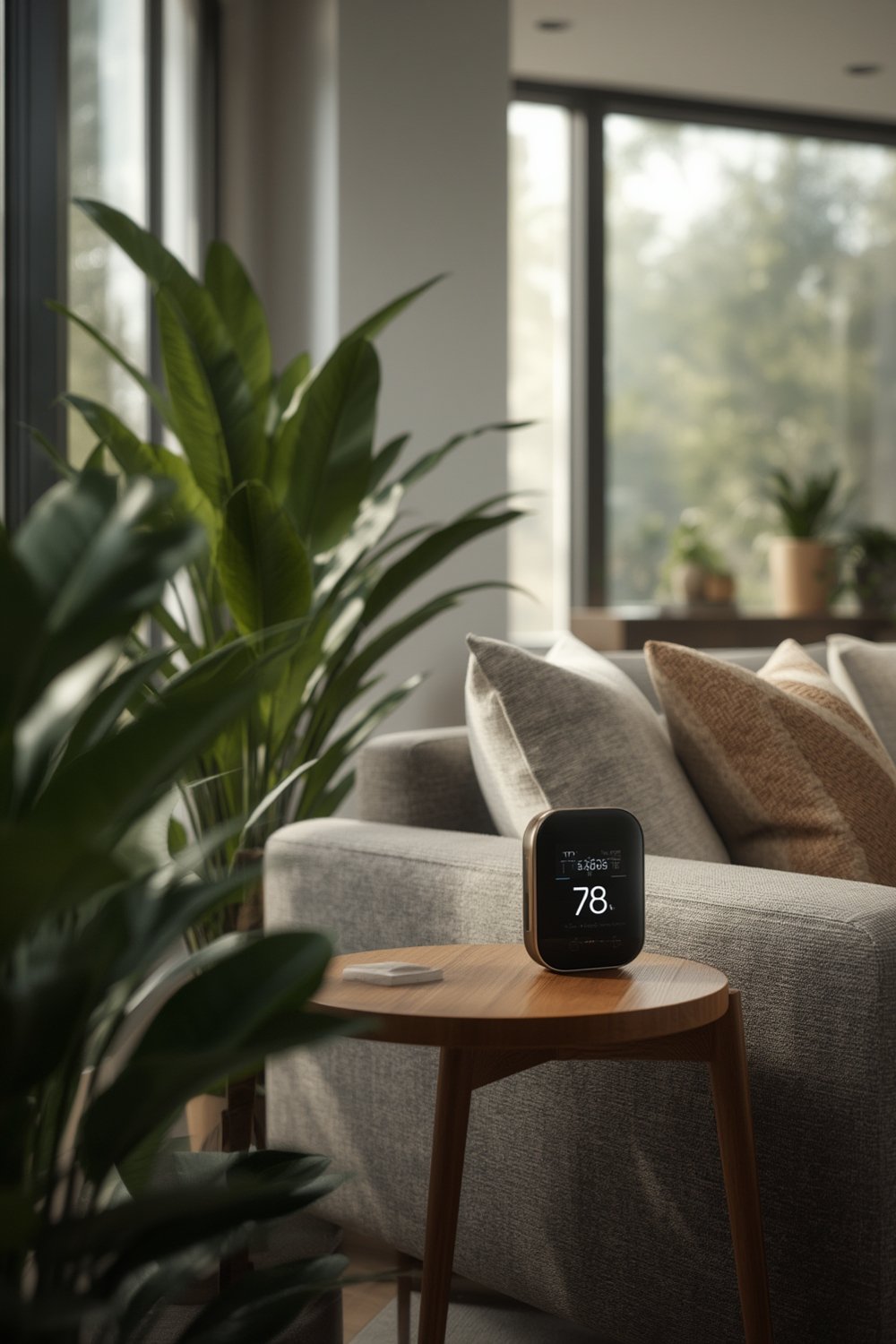
They’re especially useful for controlling comfort, preventing mold, or maintaining proper humidity for things like musical instruments or houseplants. Market data shows that digital, wireless models are dominating, with advanced features and accurate sensors driving consumer demand. North America leads in market adoption, but growth is steady worldwidesource.
For those in smart homes, integrating with automation systems (like automated air conditioners or dehumidifiers) offers even more convenience. If smart home tech interests you, check out deeper integrations possible with a smart thermostat installation or even a smart smoke detector.
Step-by-Step Guide: How to Set Up and Use a Smart Indoor Thermometer Hygrometer
Setting up your device doesn’t need to be complicated. Here’s a straightforward plan to maximize accuracy and utility from day one:
- Choose the right location. Place the device away from windows, vents, radiators, or sunlight to prevent skewed readings.
- Install the companion app. Download the manufacturer’s app to your phone or tablet. Most major brands support both iOS and Android.
- Connect to Wi-Fi or Bluetooth. Use the app instructions to pair your device, entering your network credentials if needed.
- Calibrate if supported. Some models allow calibration. If so, compare with a standard analog thermometer and adjust accordingly.
- Set alerts and automations. Enable push notifications for humidity or temperature spikes. For smart homes, link with your hub or automation routines.
- Monitor history and export data. Use the app to visualize trends and, if needed, export logs for records or troubleshooting.
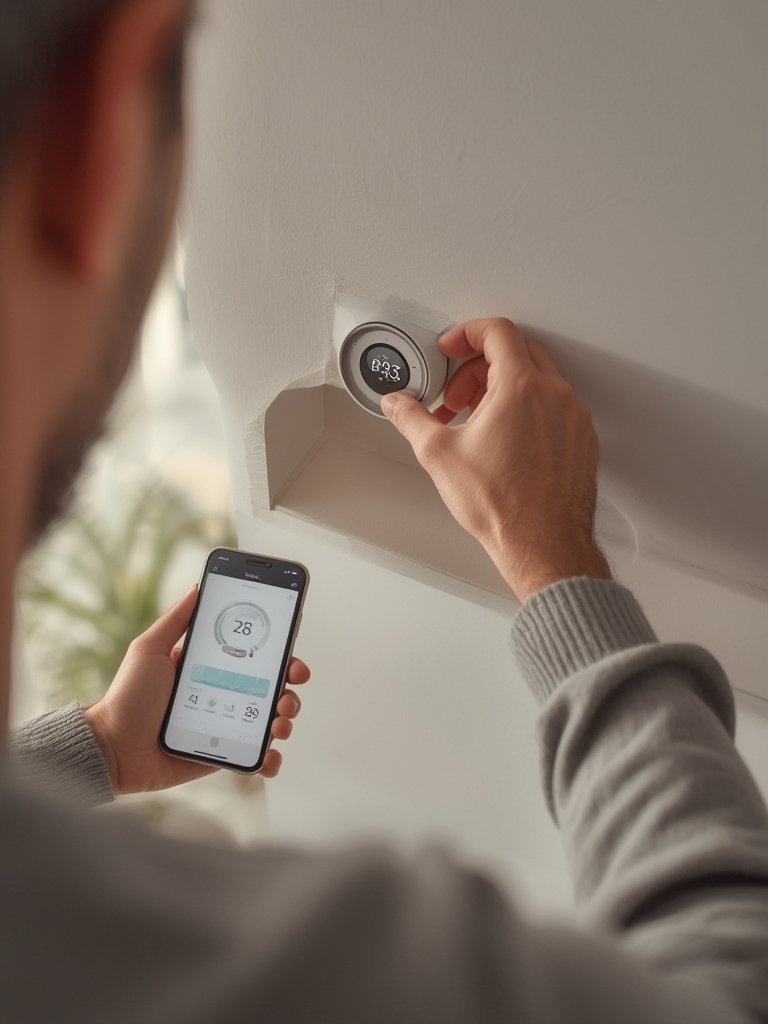
If you need reliable power, explore alternatives like battery-powered models, much like those discussed in our battery lawn mower guide. For plant lovers, consider integrating with a smart plant pot to keep your greenery thriving no matter the season.
Advanced Analysis & Common Pitfalls
Smart indoor thermometer hygrometers are powerful, but not without issues. Below are typical pitfalls and how to avoid them:
- Connectivity Drops: Wi-Fi and Bluetooth models can lose sync if your network is unstable. Repeated drops mean missed alerts or unreliable readings.
- App Glitches: Some brands offer clunky or buggy interfaces. Check for recent updates and user reviews before you buy.
- Data Security Gaps: While most devices store data safely, Wi-Fi devices always carry risk if not properly secured. Use strong, unique passwords and update device firmware regularly.
- Battery Life: If you go wireless, keep an eye on battery levels. Frequent notifications may drain batteries faster than expected.
- Limited Integration: Not all models play well with automation systems. Check compatibility lists if you plan to link into Smart Home Integration with tools like a smart sprinkler controller.
- Sensor Drift: Over time, sensors may lose calibration—especially in high-humidity environments. Some devices allow recalibration; others may require replacement.
| Feature | Benefit | Potential Issue |
|---|---|---|
| Wi-Fi/Bluetooth Connectivity | Remote monitoring | Sync problems if network drops |
| Data Logging | Historical trends for troubleshooting | Inaccurate if sensors drift |
| App Alerts | Instant warnings of spikes or drops | Too many notifications; possible bugs |
| Smart Home Integration | Hands-off climate control | Compatibility issues |
The global market, according to DataIntelo and DataHorizzon Research, is growing at around 6% CAGR—yet most competitors skip details around downsides or integration headaches. There’s little public info on pricing models or data privacy, so always double-check before committing to a smart platform. Advanced users sometimes automate with devices like solar-powered cameras or integrate data for truly automated homes, but not every sensor supports open APIs.
Conclusion
Getting the most from a smart indoor thermometer hygrometer comes down to picking a device that matches your technical comfort and connectivity needs, then setting it up to maximize data and minimize surprises. The market for these sensors is booming, but avoid cheap models that skimp on app quality or sensor longevity. Always look for advanced features like data logging, reliable wireless integration, and easy calibration to get accurate, actionable readings every day. Ready to bring effortless monitoring into your home? Start with a trusted smart indoor thermometer hygrometer and make comfort, health, and automation part of your daily routine.
FAQ
What’s the main difference between a basic digital hygrometer and a smart indoor thermometer hygrometer?
Smart models offer wireless monitoring, app alerts, and usually integrate with home automation, while basic digital types only display real-time data on a screen with no connectivity or history logging.
Where should I place my smart indoor thermometer hygrometer for best results?
Keep it away from direct sunlight, exterior doors, vents, or kitchens. Put it about halfway up the wall (3-5 feet) near the room’s center for consistent readings.
Do I need Wi-Fi for these devices to work?
You’ll need Wi-Fi for remote monitoring and alerts, but many devices also offer Bluetooth-only options for local monitoring if you don’t need offsite access.
Can I link my smart indoor thermometer hygrometer with other smart devices?
Some models work with popular automation hubs and smart devices. Always check compatibility lists to ensure integration with your routines, like triggering fans or air conditioners.
Is my temperature and humidity data secure with Wi-Fi-enabled devices?
Most reputable brands use secure transmission, but always use strong passwords, keep your device firmware updated, and research a company’s privacy policy before connecting sensitive devices.