

### Blog Post:
Outlet extender surge protector sales are soaring in 2024 as homes pack more electronics into every room, but confusion remains about what features to look for—and which pitfalls to avoid. Whether you want to safely expand a crowded wall outlet or upgrade surge protection for your tech, the right solution blends power distribution, advanced safety, and everyday convenience. This guide strips away hype so you can buy with confidence, install quickly, and avoid regret.
Key Takeaways
- Surge protection is the most in-demand feature for outlet extenders, with wall tap models leading 2024 market growth.
- Most articles overlook critical performance metrics and real-world user complaints—know the downsides before you buy.
- Look for certifications, warranty details, and proper fit to maximize safety and long-term value.
- What Is an Outlet Extender Surge Protector and Why Use One?
- Step-by-Step: Choosing and Installing an Outlet Extender Surge Protector
- Advanced Analysis and Common Pitfalls
- Conclusion
- Frequently Asked Questions
What Is an Outlet Extender Surge Protector and Why Use One?
An outlet extender surge protector is a device that plugs into a standard wall socket, converting a single or double outlet into several protected outlets—often with USB charging and sometimes smart controls. Unlike a basic multi plug adapter, outlet extender surge protectors add a layer of defense against power surges from lightning, electrical faults, and grid instability. In a world full of laptops, smart displays, and sensitive appliances, surges can silently damage devices or even start fires.
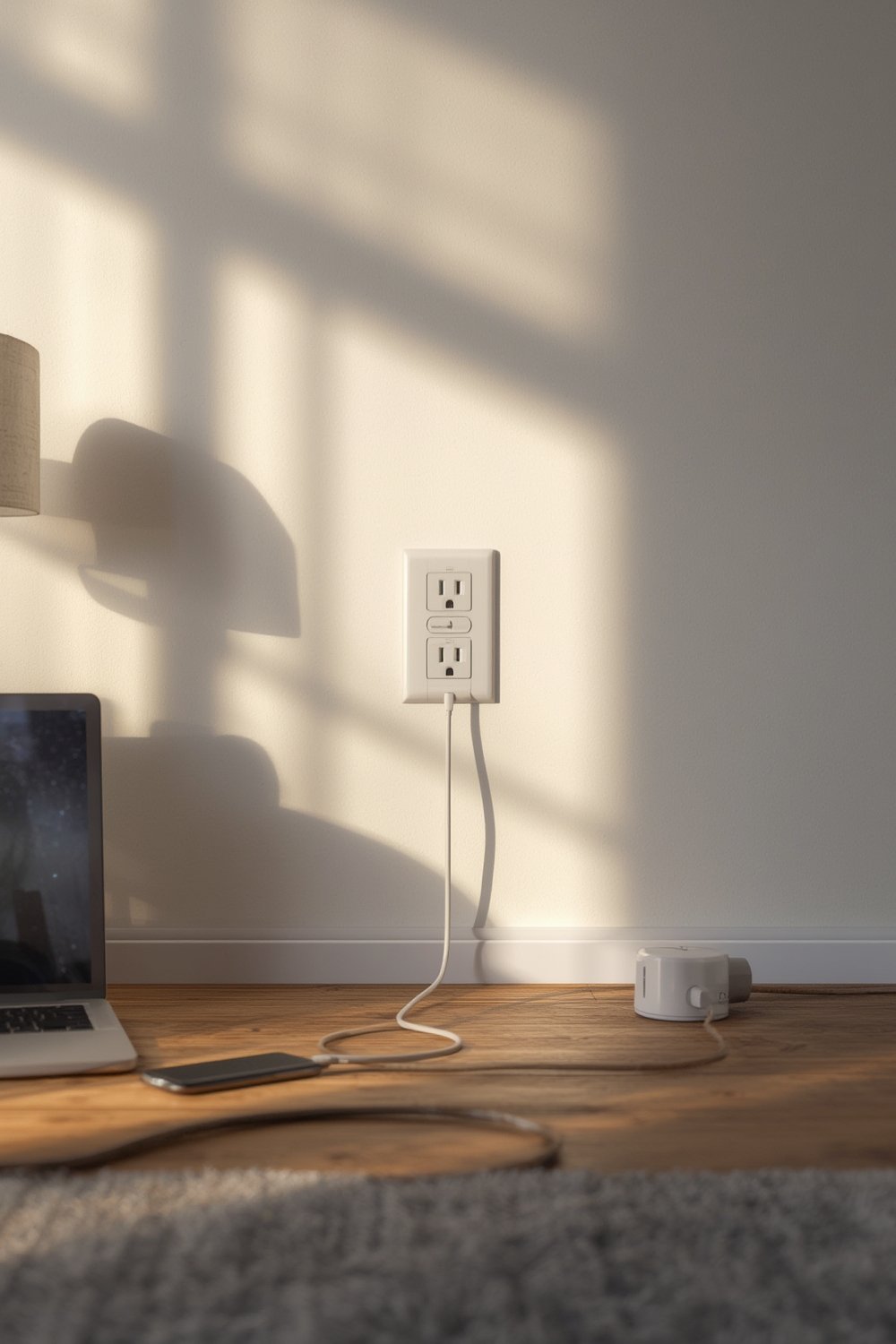
Why it matters in 2024: The global surge protector market hit $2.95 billion in 2024, and over 60% of new installed power strips feature built-in surge protection, USB charging, or smart controls. Plug-in wall tap models from brands like GE are the fastest-growing segment, thanks to ease of use and lower cost. [Source]
As more households rely on IoT devices and renewable energy sources—which can introduce unique power fluctuations—having reliable surge protection at every main outlet is not just about convenience; it’s core risk management. If you want to protect everything from smart thermostats to app-controlled pet feeders, an outlet extender surge protector is the new normal.
For those updating their home office or pet tech setup, check out related guides like installing a smart thermostat or choosing a smart pet feeder.
Step-by-Step: Choosing and Installing an Outlet Extender Surge Protector
The right outlet extender surge protector can make your entire setup easier—and safer—but the wrong choice can create fire hazards or just frustrate you with awkward fit. Here’s how to do it right.
- Assess Your Room and Power Needs. List devices you want to plug in, including USB devices. For example, if you have a smart pet camera (like the ones described here), leave space for USB plugs.
- Check Outlet Configuration. Single and double wall outlets have physical constraints. Wall tap protectors work best when there’s vertical clearance around the outlet. Tight spaces may require a strip version.
- Review Surge Protection Features. Look for claimed joule ratings (the numeric measure of energy absorption). For living rooms and home office, aim for at least 800 joules. Note: Most brands don’t publish independent test results, which makes reliability hard to compare. Still, higher joule numbers and certifications like UL or ETL are your best bet.
- Look for Key Convenience Features. Market research shows USB charging and smart app controls drive most buying decisions in 2024 [Source]. If you have wearables or smart speakers, built-in USB can save adapters.
- Install Correctly. Plug in the outlet extender surge protector firmly. Align the mount with your wall plate. If your model has a screw-in option for extra stability, use it—especially if plugging in heavier adaptors or transformers.
- Test All Outlets. Plug in devices and check for a snug fit. Don’t overload the unit; summed total wattage should stay below the printed device maximum, often 1,500–1,875 watts.
- Watch for Warning Signs. If the unit feels hot, shows discoloration, or emits a burning smell, unplug immediately and contact the manufacturer. These are red flags for electrical failure.
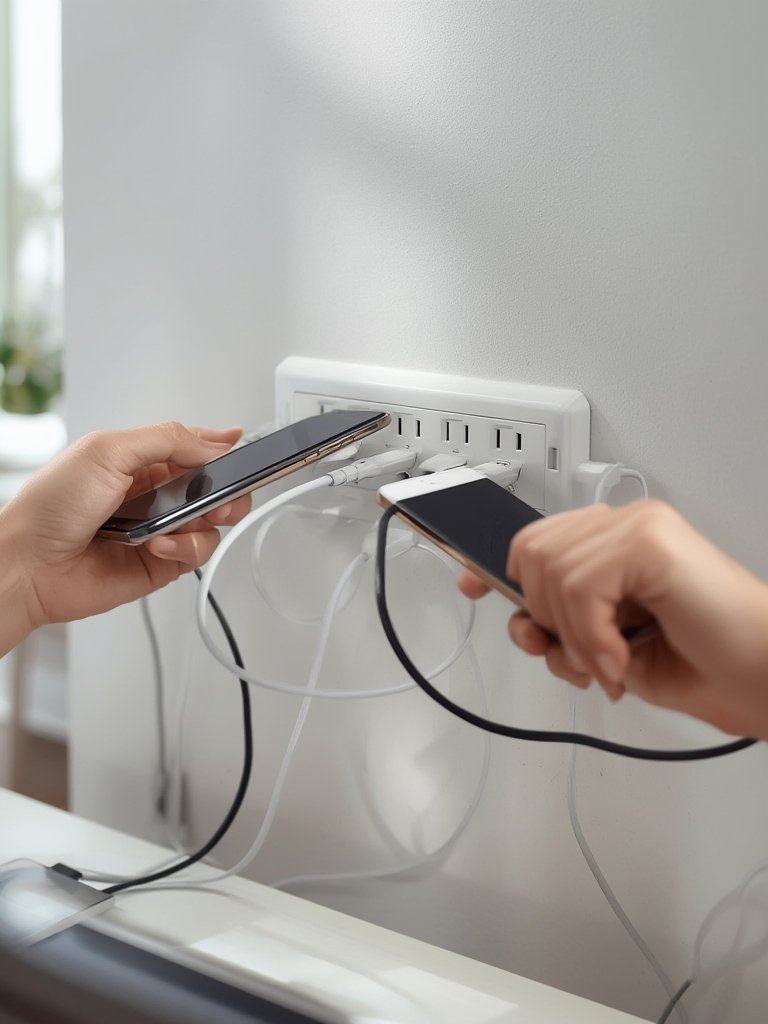
Smart home tinkerers may want surge protection for automated pet doors or app-based cameras; reviews and safety standards matter even more in these cases. See our automatic dog door guide for more smart-home setup advice.
Advanced Analysis and Common Pitfalls
Most market reports focus on sales numbers, not daily frustrations or device failure risks. Based on gaps in 2024 research and consumer forums, here’s what you really need to know:
- No Standardized Performance Data: Most brands do not release independent test results for joule ratings, response times, or long-term reliability. Claims on packaging may only reflect theoretical or ideal conditions.
- Physical Fit Issues: Complaints around bulkiness, poor outlet spacing, or loose fit are common but not well-documented in industry research. Always double-check measurements, especially in tight spaces like kitchens or behind furniture.
- Unknown Failure Rates & Warranty Terms: Consumer-facing failure rates and warranty details are rarely disclosed, making it hard to judge real-world durability. Some premium brands offer lifetime or multi-year warranties, but many generic models provide 12 months or less. [Source]
- Certification Gaps: Updated safety standards (like UL or ETL 1449) are not always listed on packaging. Only use models showing clear third-party certification logos and labels.
- Price vs. Actual Protection: Premium models command higher prices for better surge ratings, USB-C charging, or app features, but it’s difficult to know if these upgrades actually reduce risk or just run up costs. Top-line units can reach $50+, but most adequately featured models range $15–30. Market-wide price data is largely missing, so always compare specs and warranties before buying.
| Feature | Budget Models | Premium Models |
|---|---|---|
| Joule Rating | 600–900 | 1200–2000+ |
| USB Ports | 0–2 (USB-A only) | 2–4 (adds USB-C) |
| Certification | Basic UL or ETL | Advanced UL/ETL, fire-resistant housing |
| Warranty | 1 year (often vague) | 2–Lifetime (clearly stated) |
| Smart Features | Rare | Common (Wi-Fi/app integration) |
| Approx. Price | $10–18 | $28–60 |
For specialized outlets—like in garages, home studios, or pet care zones—you’ll find companion guides on tools from a portable electric chainsaw to a smart litter box and pet enrichment toys.
Conclusion
Outlet extender surge protectors are more than a convenience—they’re an insurance policy for every screen, pet gadget, and appliance you rely on daily. As 2024 market data shows, surge protection is becoming standard and wall tap models are the top choice for US homes. But with incomplete performance test data, missing warranty details, and some units poorly designed for real-world fit, you must do your homework.
Remember: never use a generic multi tap on high-value electronics. Check for true surge protection, real certification labels, and a warranty you can actually use. For more smart home upgrades, see our smart sprinkler controller guide. Ready to protect your space? Invest in a quality outlet extender surge protector and keep your gear safe. Don’t wait for the next surge—secure your devices today.
Frequently Asked Questions
How do I know if an outlet extender surge protector is certified safe?
Look for UL or ETL certification marks on the product or packaging. These indicate third-party testing to safety standards. If no logos are present, skip that product—even if it looks similar or is less expensive.
Can I use an outlet extender surge protector with high-power devices like heaters or air conditioners?
No. Most plug-in extenders are rated for under 1,875 watts and are not designed for high-draw appliances. Use them for tech, lamps, and chargers—not large appliances or power tools.
What does the joule rating on a surge protector mean?
The joule rating tells you how much surge energy the protector can absorb before failure. Higher numbers (over 1,000) generally mean better protection, but quality build and certification matter too.
How long will an outlet extender surge protector last?
Most offer protection for 3–5 years, but there’s rarely a clear lifespan. Replace if you notice any physical damage, loss of power, or after a major storm. Some premium models come with lifetime warranties; always check fine print for coverage limits.
Are USB ports on surge protectors safe for charging devices overnight?
If the unit is from a reputable brand with clear safety certification and isn’t hot to the touch, USB charging overnight is generally safe. Always avoid overloading, and inspect the unit for wear or any odd smells regularly.
—