

### Blog Post:
Cabinet lighting motion sensor solutions are transforming modern homes and rentals by offering hands-free, energy-efficient cabinet illumination that installs in minutes.
Key Takeaways
- Motion sensor cabinet lighting is surging in popularity, with markets topping $1.3 to $2.1 billion in 2024 and rapid adoption due to smart home trends.
- Battery-powered models offer renter-friendly installs but carry ongoing costs and some performance tradeoffs in battery life and sensor reliability.
- Choosing the right lighting involves understanding cost breakdowns, feature sets, and avoiding common pitfalls like short battery life or unreliable sensors.
- The Core Concept: What Are Motion Sensor Cabinet Lights and Why Use Them?
- Step-by-Step Guide: How to Choose and Install Motion Sensor Cabinet Lighting
- Advanced Analysis & Common Pitfalls
- Conclusion
- FAQ
The Core Concept: What Are Motion Sensor Cabinet Lights and Why Use Them?
Motion sensor cabinet lighting systems use infrared or microwave motion sensors to detect movement and automatically turn on LED lights inside cabinets, closets, and other tight storage spaces. The main benefit: seamless, hands-free illumination that automatically turns on or off as needed. This is especially valuable in kitchens, pantries, wardrobes, and utility rooms, where traditional lighting can be impractical, require rewiring, or waste energy when left on.
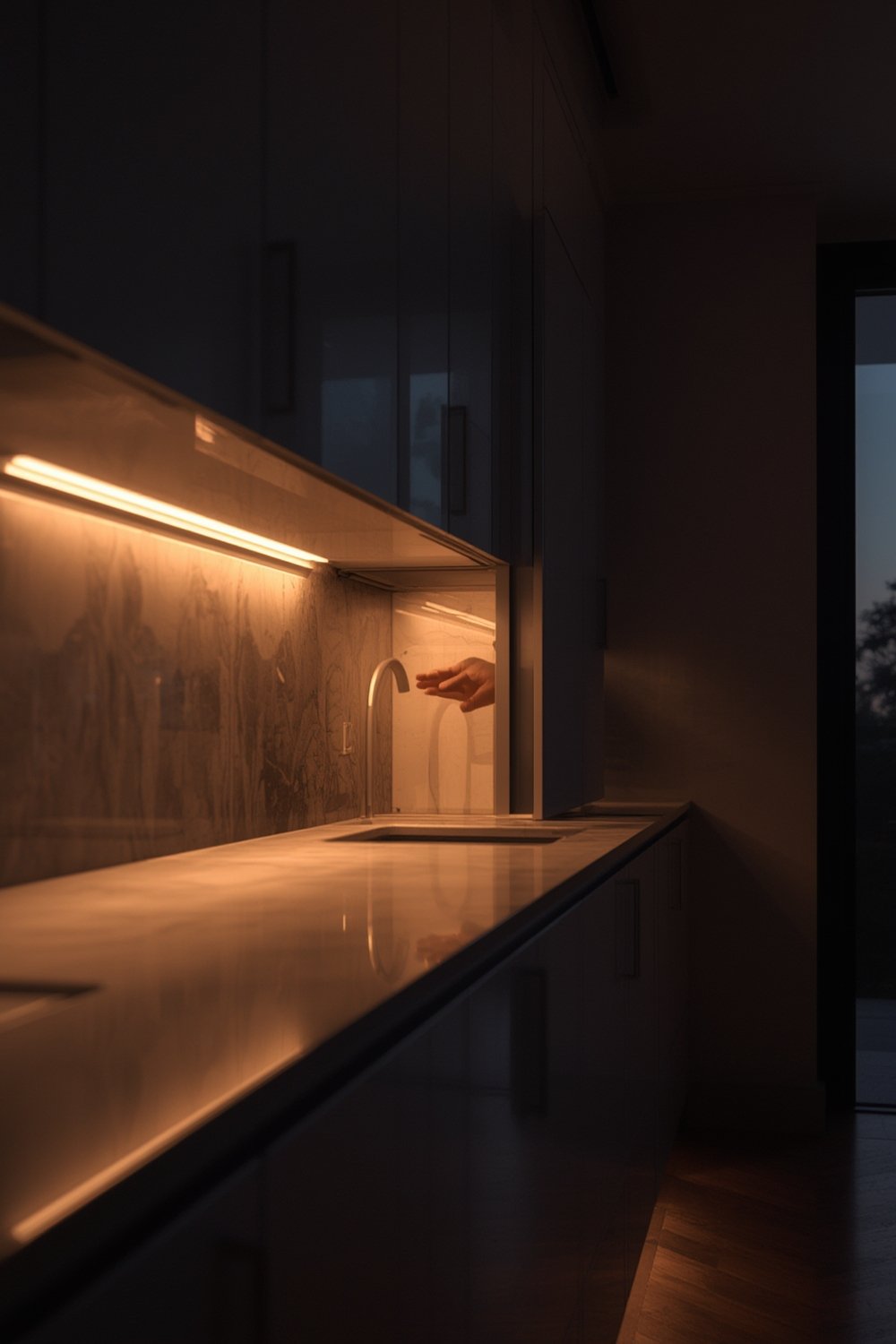
The market for these solutions is growing rapidly. The motion sensor closet light market alone reached $1.31 billion in 2024, while smart under-cabinet light motion sensor sales hit $2.14 billion. Much of this growth is due to smart home adoption and the demand for easy, renter-friendly installs. Battery-powered models are especially popular for their simplicity and retrofit appeal, as they avoid the costs and complexity of rewiring.
Features now in high demand include energy savings, adjustable brightness and color, touchless operation, and easy installation. However, user experience can vary widely based on sensor quality, battery performance, and physical installation challenges.
Step-by-Step Guide: How to Choose and Install Motion Sensor Cabinet Lighting
Getting great results from cabinet lighting motion sensor products requires a few practical steps before and during installation. Here’s how to optimize brightness, convenience, and cost savings.
- Assess Your Cabinet Type
- Is it a kitchen cupboard, wardrobe, utility closet, or display shelf? Wider, deep or corner cabinets need longer or multi-point illumination.
- Check how much natural light enters the area. The darker the cabinet, the more lumens you’ll want from your lighting motion sensor system.
- Decide on Power Source
- Battery-powered models excel for renter-friendliness and avoid any electrical work, but plan for occasional battery replacement.
- Plug-in types provide limitless runtime but require an outlet nearby and have visible cords.
- Hardwired solutions are best for permanent, high-use zones (like above kitchen counters), but involve professional installation and higher upfront costs.
- Pick Sensor Placement
- Mount sensors close to the cabinet door or where body movement will naturally trigger them—typically in the upper forward corner, aiming them slightly downward into the cupboard/spaces.
- Test operation before full adhesion/drilling using painter’s tape.
- Select Feature Set
- Choose lights with adjustable color temperature (often 2700K to 4000K), as warm tones are more pleasant in kitchens and wardrobes.
- Look for programmable timers or sensitivity settings to prevent false triggers or premature shutoff.
- Consider modular systems or brands with magnetic/clip-on options for faster battery swaps.
- Install and Test
- Clean the surface to ensure adhesives/magnets stick securely.
- Mount the light as close to the cabinet opening as possible for best activation. Double-check sensor angle. Avoid blocking with shelves or door hardware.
- Test several open/close cycles to measure consistency. If using battery models, note initial runtime as a baseline for future reference.
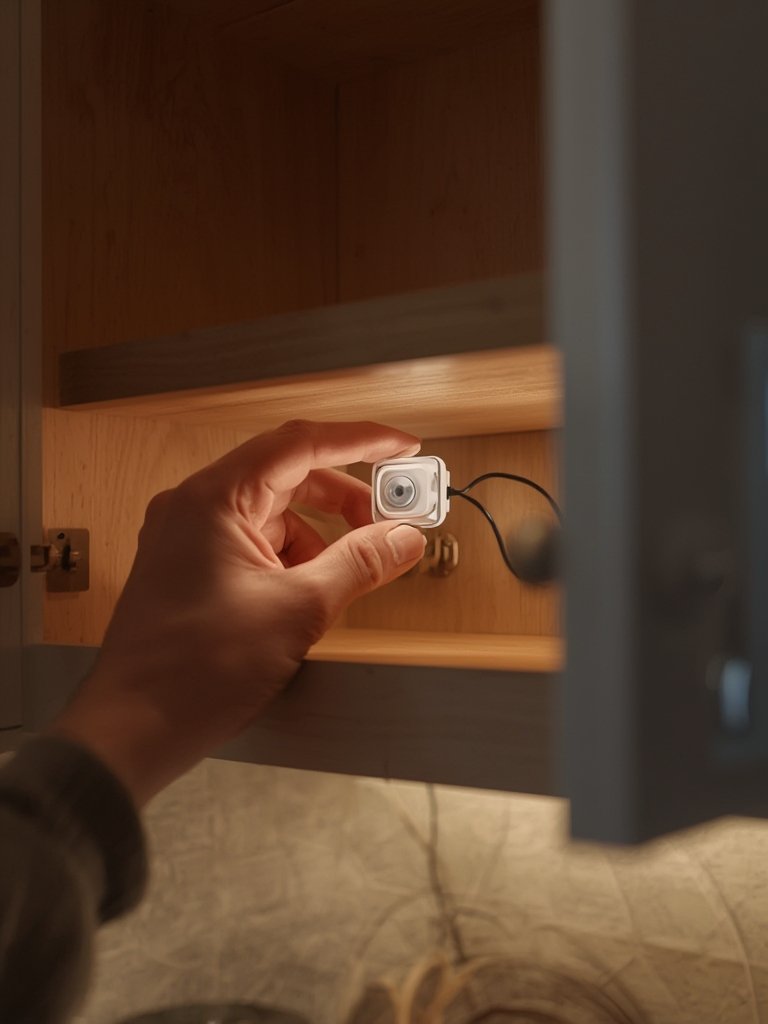
While installation is straightforward for most renters and homeowners, the lasting satisfaction comes from matching the right product to your space and lighting needs.
- For small kitchens, pairing under sink organizers with motion lights makes deep cabinets truly accessible.
- Combine with peel and stick wall panels for renter-safe, non-destructive upgrades throughout your kitchen or laundry room.
- For high-use utility areas, you might also consider a portable electric chainsaw for outdoor storage sheds, ensuring every important nook is visible and safe when grabbing tools at night.
- In high-humidity areas or for your pet’s dedicated space, pair motion-activated cabinet lighting with a under-sink cabinets for spot illumination at nighttime.
- If you’re updating a broader smart home ecosystem, review our guide on smart thermostat installation for more energy-saving opportunities.
Advanced Analysis & Common Pitfalls
It’s easy to overlook some key realities about cabinet lighting motion sensor models—especially battery-powered units. Failing to plan for their downsides can turn a simple upgrade into a frustration.
| Model Type | Upfront Cost | Long-Term Cost | Sensor Reliability | Battery Life | Installation Difficulty | Best Use Case |
|---|---|---|---|---|---|---|
| Battery-powered | Low | Medium – High (due to battery replacement) | Varies (prone to false triggers/delayed activation) | Shorter; dependent on use and sensor efficiency | Easy; ideal for renters | Temporary or frequently accessed cabinets |
| Plug-in | Medium | Low (no battery to replace) | Good (constant power, fewer missed triggers) | N/A | Moderate (requires nearby outlet) | Permanent installs where outlets are accessible |
| Hardwired | High | Lowest (direct power, rarely any replacement parts) | Very Good (stable, few false triggers) | N/A | Hard (professional install recommended) | High-traffic kitchens, major renovations |
Common pitfalls include:
- Poor Battery Life: Battery units need frequent replacement if installed in high-traffic cabinets. Choose models with energy-saving features (e.g. auto-shutoff, dimming) to maximize intervals between changes.
- Unreliable Sensors: Some low-end models may trigger from vibrations, pets, or even through thin cabinet doors—wasting power. Insist on user-adjustable sensitivity/timer controls whenever possible.
- Weak Adhesion: Adhesive or magnetic strips in budget kits may not hold over time, especially in humid or greasy environments. Always clean surfaces thoroughly before applying, and consider light drilling for permanent installs.
- Lack of Standard Specs: As highlighted by market research, few brands publish clear data on lifespan, failure rates, or return percentages. This means it’s wise to buy only from reputable brands and test all features immediately upon delivery.
- No True “Set and Forget”: Even with high-quality options, expect to check batteries or occasionally tweak settings (especially in seasonal climates or as use patterns change).
If looking for more permanent cabinet upgrades, or have special requirements (like waterproofing for under-sink cabinets), investing in a higher-grade, professionally installed, or plug-in model will often pay off long-term.
Recent trends show leading brands like WAC Lighting, GE/Savant, and Lampsmaxx focusing on high-CRI output, modular systems, and improved sensor reliability—but rarely share exact specs. Always check for well-reviewed, energy-efficient features such as programmable dimming and field-adjustable color temperature.
Conclusion
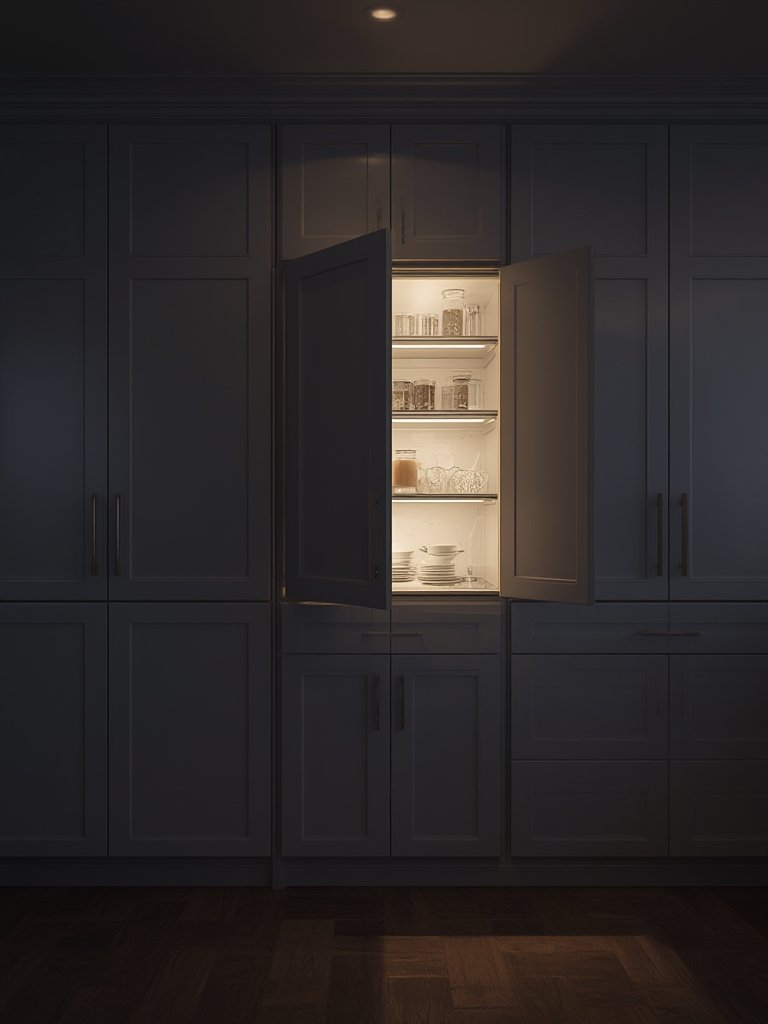
Motion sensor cabinet lighting offers instant convenience, smart energy savings, and straightforward DIY upgrades. With surging adoption and improved feature sets, these systems are rapidly becoming the new normal in home organization and smart lighting. The right cabinet lighting motion sensor model boils down to matching power source, installation method, and sensor quality to your budget and living space—while planning for occasional battery swaps or sensor adjustments. Ready to light up your cabinets? Start with a reputable, energy-efficient model and experience the benefits right away.
Take action today: Evaluate your most-used cabinets, pick a sensor-based upgrade that fits your needs, and enjoy visible, hands-free access every day.
FAQ
Do motion sensor cabinet lights significantly save energy?
Yes. By ensuring lights only operate when needed, motion sensor models can cut energy use by up to 38% compared to always-on LED strips or older lighting, according to market research. This is especially helpful for forgetful users or in high-traffic households.
How long do batteries typically last in cabinet motion lights?
Battery life heavily depends on traffic, light output, and sensor sensitivity. For cabinets checked a dozen times daily, you might need new batteries every 2-6 months. Use models with auto shut-off or dimming to extend lifespan.
Are motion sensor cabinet lights good for renters?
Absolutely. Battery-powered versions require no rewiring or permanent changes and use either adhesive strips or magnets, making them perfect for easy removal or relocation when moving. Consider this alongside other renter-friendly upgrades.
Can I install motion-activated lighting in damp or steamy areas?
Choose models rated for damp locations and avoid placing near direct water sources. When illuminating under-sink cabinets, opt for enclosed fixtures or check IP (Ingress Protection) ratings if possible.
What features should I look for to avoid frequent battery changes?
Prioritize models with programmable shut-off timers, low-power LEDs, and user-adjustable sensor sensitivity. Some advanced units support rechargeable battery packs or can be integrated into smart home power-saving routines.
—