

Standing desk converter setups have become a leading solution for healthier, more flexible workspaces in homes and offices across 2024. If you’re looking to transform your current desk without a complete overhaul, this guide gives you every critical fact, step, and common issue to expect—without the hype.
Key Takeaways
- Standing desk converters offer ergonomic benefits and flexible upgrades for hybrid and remote workers, driving rapid market growth worldwide.
- Key innovations like programmable electric lifts, memory settings, and eco-friendly materials set high-performing converters apart—budget models may cut crucial features.
- Success hinges on matching technical specs to your gear and workflow, and proactively managing common pain points like cost, fit, and stability.
- What Are Standing Desk Converters and Why Use One?
- How to Use a Standing Desk Converter: Step-by-Step
- Advanced Analysis & Common Pitfalls
- Conclusion
- FAQ
What Are Standing Desk Converters and Why Use One?
A standing desk converter is an add-on platform that sits on top of your existing desk, instantly converting it into a sit-stand workstation. Unlike a full standing desk, a converter delivers a flexible, affordable ergonomic upgrade—no major furniture change needed. Demand has exploded with hybrid work, remote offices, and growing awareness of the health risks associated with prolonged sitting.
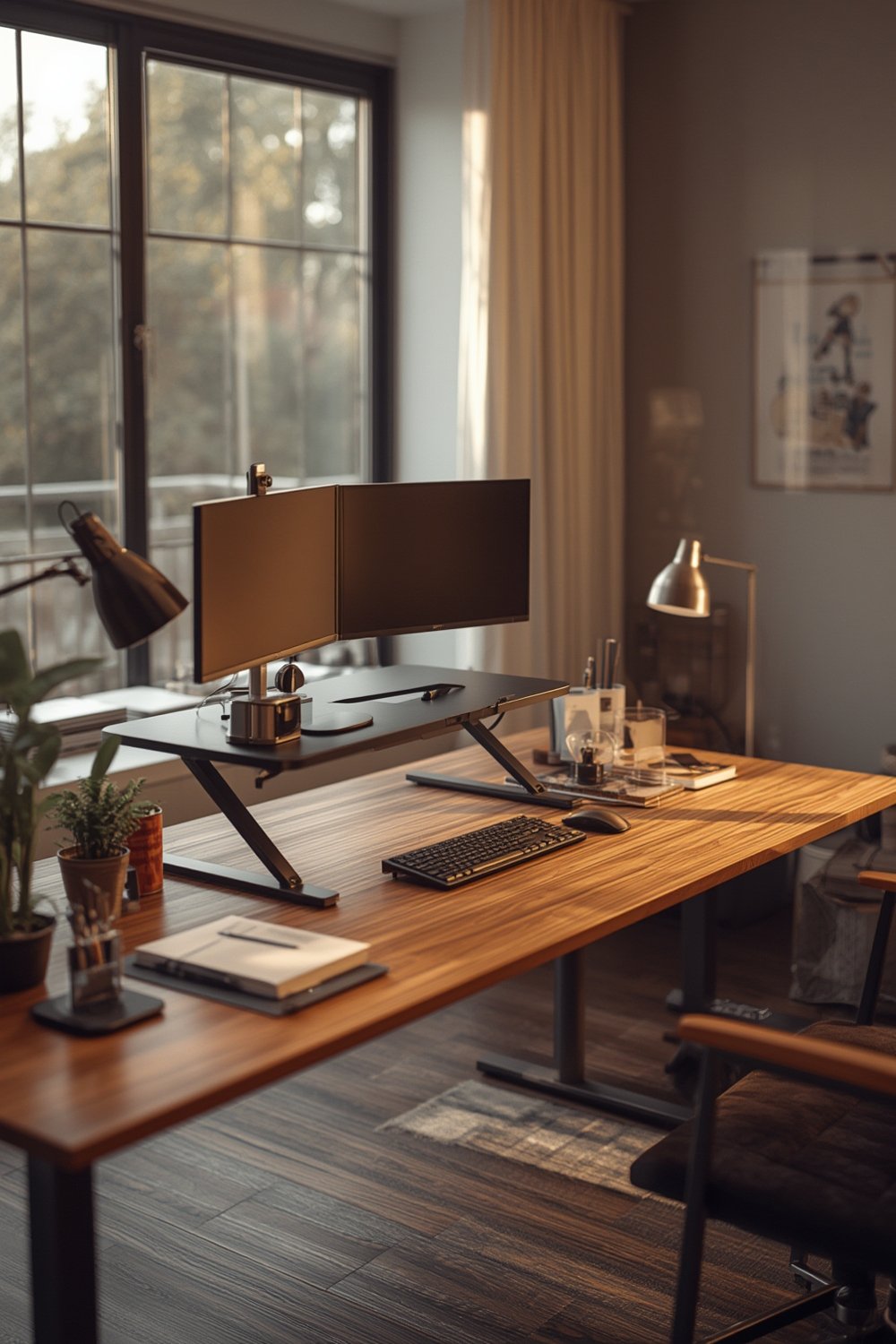
The global standing desk converter market is projected at $2.5 billion for 2025, with a strong CAGR of 12% through 2033 (source). Converters held the largest revenue share—about 34%—within the wider standing desks segment as of 2023 (source), appealing especially to remote workers and small offices where budgets and space run tight.
Besides saving you from replacing your current workstation, quality converters can reduce sedentary time, promote more movement, and help lower risks from back pain to cardiovascular issues. These documented benefits are powering sustained growth in North America and Europe, where both home and corporate buyers are focused on ergonomics (source).
Leading converter designs incorporate programmable electric lifts, durable and sustainable materials, and advanced usability features—making it practical to switch between sitting and standing throughout the day. This essential flexibility is why sit-stand desk converters are overtaking both basic risers and traditional desks in growth and demand.
How to Use a Standing Desk Converter: Step-by-Step
Here’s a zero-fluff guide to getting your standing desk converter up and running—plus some advanced setup tips for maximum comfort and effectiveness.
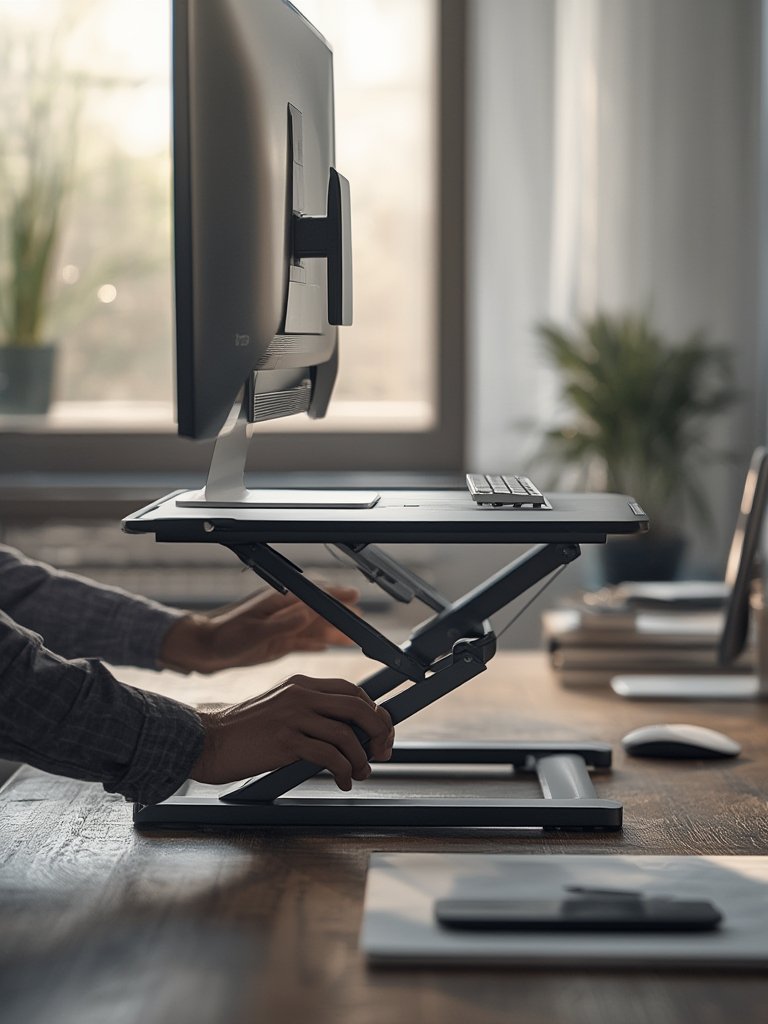
- Choose the Right Model: Decide between manual and electric. Manual models use springs or levers, while premium electric converters offer one-touch height adjustments and programmable presets.
- Prep Your Existing Desk: Clear space for the converter. The desktop should support the converter’s weight plus your gear. Wipe surfaces before installation to reduce noise and movement.
- Assemble & Place: Some converters arrive pre-assembled, others require basic setup. Position carefully so the base is stable and fully supported. If the converter is large, enlist help.
- Attach Monitors/Accessories: Secure monitors, keyboards, and peripherals to the platform as intended. For multi-monitor setups, check the converter’s width and weight ratings.
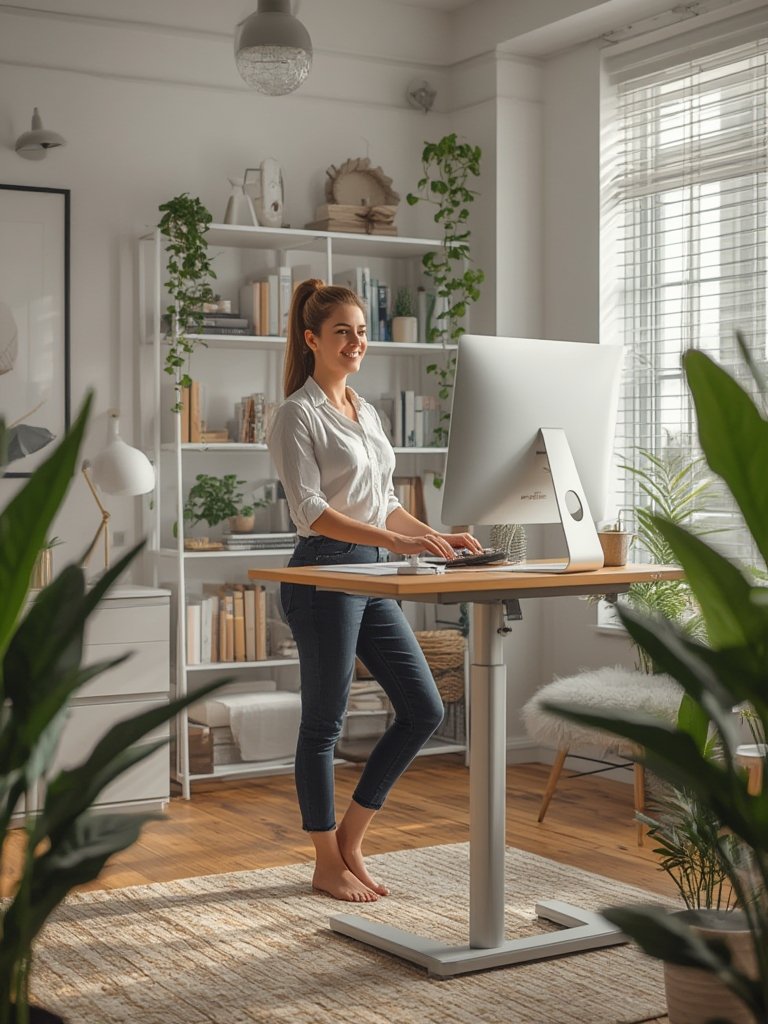
- Adjust Height for Ergonomics: When standing, your monitor’s top should be at/just below eye level, with elbows bent around 90 degrees at the keyboard. Fine-tune for comfort.
- Test Transitions: Change between sitting and standing several times. Ensure cables move freely and nothing wobbles. If the movement feels stiff or jerky, consult the manual or reach out to support.
- Customize for Daily Use: Store a footrest, anti-fatigue mat, and water within easy reach. Listen to your body—alternate postures every 30 to 60 minutes for best results.
For productivity hacks and ergonomic gear tips, see our guides on pet workspace cleaning and home organization solutions.
Don’t forget: The best converter delivers seamless transitions and matches your workflow. If you have less common needs—like corner setups—electric and hybrid converters (not basic risers) will provide better stability and convenience according to recent industry analysis.
Advanced Analysis & Common Pitfalls
Investing in a standing desk converter isn’t risk-free. Here are the biggest issues real users face, plus technical features you should review before making a decision.
User Complaints & Gaps
- High Initial Cost for Electric Models: Premium converters with programmable electric lifts cost significantly more—sometimes 2x to 4x the price of manual models. If on a budget, manual options deliver core benefits but may lack smooth range and presets. (source)
- Limited Verified Reports of Stability/Assembly Issues: While recent reviews don’t highlight rampant defects, less robust manual converters might wobble, especially at full extension or with dual monitors.
- Footprint and Size Mismatch: Many buyers underestimate desk space or converter height range, resulting in poor fit or awkward ergonomics.
- Hidden Costs: Shipping, assembly, and warranty coverage can vary—always check for transparent return and warranty terms, and consider potential setup fees if you lack tools or assistance.
- Missed Opportunities: Most guides skip deep dives into sustainability, regulations, or full breakdowns by converter type. For eco-conscious picks and regulatory trends, check the latest standing desk research (source).
Comparison: Desktop Converters vs. Full Standing Desks
| Feature | Standing Desk Converter | Full Standing Desk |
|---|---|---|
| Cost | $100–$400 (manual); $300–$900 (electric) | $300–$1500+ |
| Footprint | Fits on existing desk | Requires full desk replacement |
| Setup Time | 10–45 minutes | 1–2 hours (can require two people) |
| Ergonomic Customization | Limited by platform size/range | Full range; more options |
| Stability | Good (varies by quality/weight limits) | Generally excellent |
| Best For | Remote work, renters, small offices, upgrades | New offices, complete workspace replacement |
What Specs Actually Matter?
- Weight Limit: 20–50 lb is standard. Pick higher capacity for dual monitors.
- Height Adjustment Range: Should have at least 12–16 inches of range for most users.
- Footprint: Ensure length and width fit your desk; depth matters for keyboard reach.
- Material Quality: Steel/aluminum frames outperform plastic or fiberboard for durability, though sustainable wood options are emerging for eco-first buyers.
- Motor Durability (Electric Only): Make sure motor and parts are rated for frequent elevation cycles to avoid long-term failure.
Converters with electric controls and memory functions are worth the investment if you switch postures frequently or need specific ergonomic settings for different tasks.
For even broader workspace ideas that prioritize flexibility and comfort, explore guides like our modular sofa overview and compact vertical garden systems for small-space inspiration.
Conclusion
A standing desk converter is a direct path to better movement and ergonomics, without rebuilding your home or work office from scratch. The key: choose a converter that matches your desk, daily gear, and real transition habits. Prioritize models with reliable lifts, stable build, and enough space for comfort. Watch out for hidden costs, and remember that even the best converter needs regular posture breaks.
Ready to take the next step? Compare standing desk converter specs, use our tips for setup, and transform your workspace with more movement—starting today.
For ongoing workspace upgrades, browse trending gear guides like our pet-friendly turf guide or our soundproofing tips for remote work.
FAQ
How is a standing desk converter different from a standing desk?
A standing desk converter is an add-on that fits onto your existing desk, raising your monitor and keyboard to a standing height. A full standing desk is a completely new desk that adjusts from sitting to standing positions and usually has a larger work surface and more range.
Are electric standing desk converters worth the extra cost?
If you switch between sitting and standing multiple times a day or want programmable height presets, electric models are worth it. They are smoother and quicker, but manual models offer nearly all the core benefits for less.
What are the main ergonomic tips when using a standing desk converter?
Keep your monitor top at or just below eye level, elbows near 90 degrees, and wrists flat. Alternate between sitting and standing every 30 to 60 minutes, and use an anti-fatigue mat for comfort.
What technical specs should I check before buying?
Prioritize weight limit (especially for dual monitors), platform size to match your desktop, max/min height adjustment, and material quality. Electric models should have durable motors rated for daily use.
Can standing desk converters help with back pain?
Research suggests standing more can reduce the risks associated with prolonged sitting, such as back pain and posture issues. However, correct ergonomic setup and standing/sitting rotation are essential; standing constantly is not recommended.