

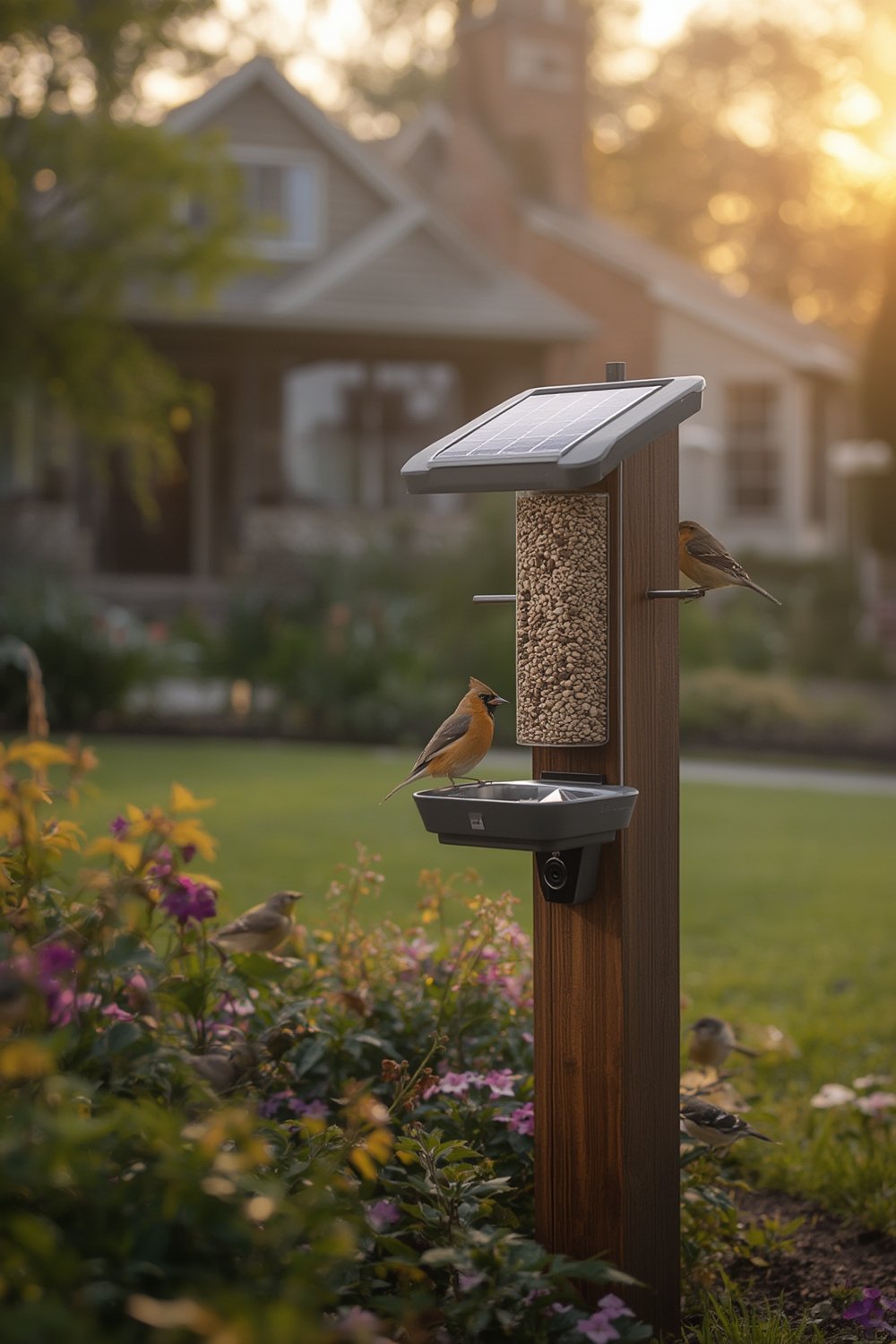
bird feeder camera with app setups have transformed backyard birdwatching by using AI species recognition, solar-powered Wi-Fi cameras, and real-time mobile alerts. The market is growing fast—but realistic buyers need to know what actually works and where the tech still falls short.
Key Takeaways
- Bird feeder cameras with app-based AI are one of the fastest-growing niches, with strong double-digit adoption and rapid hardware innovation.
- Most users are satisfied, but recurring pain points include connectivity, AI accuracy, subscription fees, and weatherproofing issues.
- Careful setup, strategic placement, and realistic expectations are critical to avoid disappointment and extra costs.
Table of Contents
- What Is a Bird Feeder Camera With App and Why Use One?
- How to Buy and Set Up a Bird Feeder Camera With App: Step-By-Step
- Advanced Analysis & Common Pitfalls
- Conclusion
- Frequently Asked Questions
What Is a Bird Feeder Camera With App and Why Use One?
A bird feeder camera with app combines a weather-resistant feeder, a built-in or attached smart camera, Wi-Fi connectivity, and a mobile app for notifications, bird species recognition, and video storage. The app uses AI to identify birds and can send real-time alerts or save clips for easy sharing or tracking.
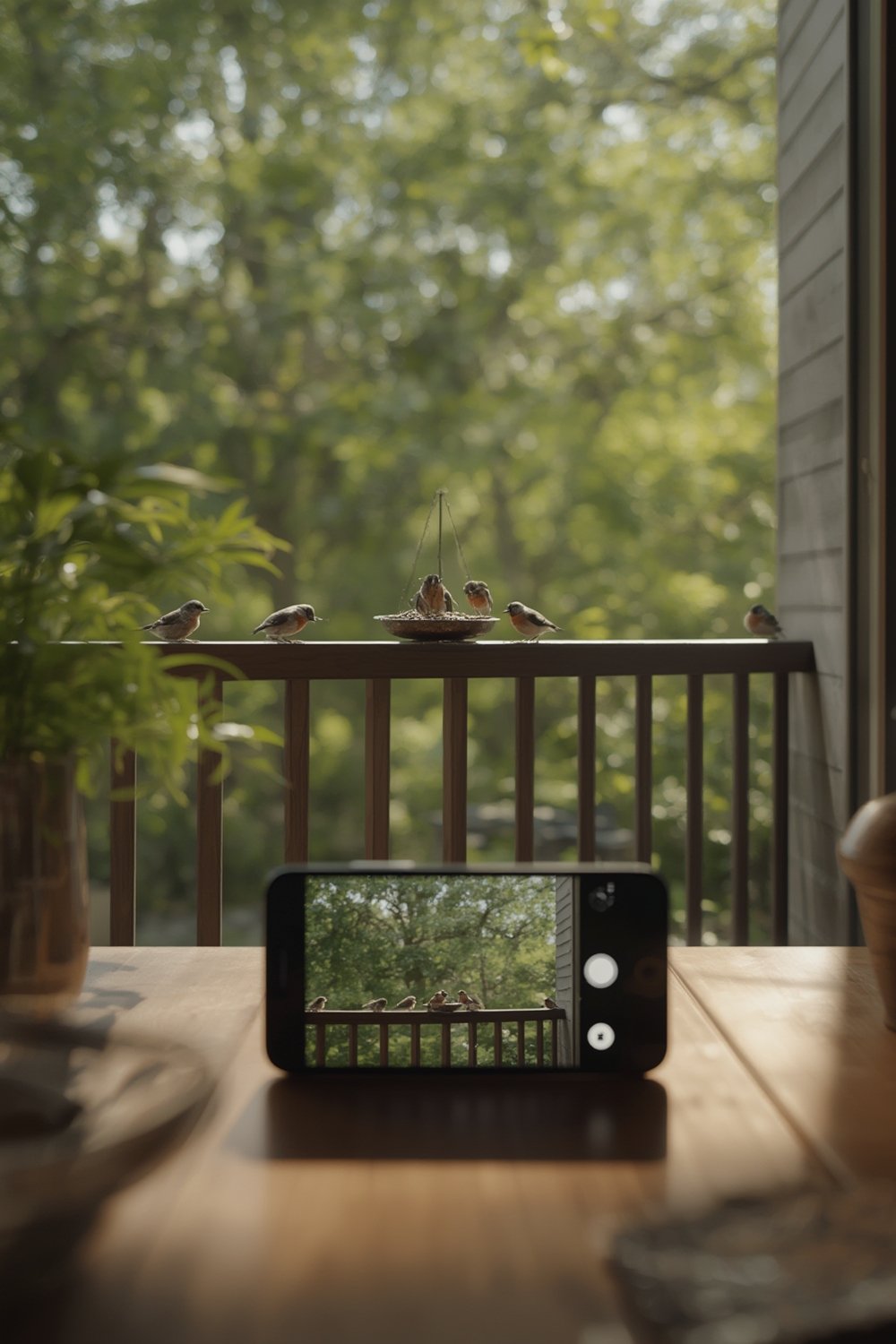
In 2024, these smart devices have surged in popularity thanks to advances in camera sensors, on-device or cloud-based AI recognition, and the ease of solar power. App-based bird feeders let users:
- See and record high quality photos and video of every visitor (even at night, thanks to infrared features).
- Get push notifications when birds arrive—no need to camp at the window.
- Auto-identify common birds and even gamify the birdwatching experience with digital “collections.”
- Monitor feeder activity remotely and download/share favorite moments with friends or on social media.
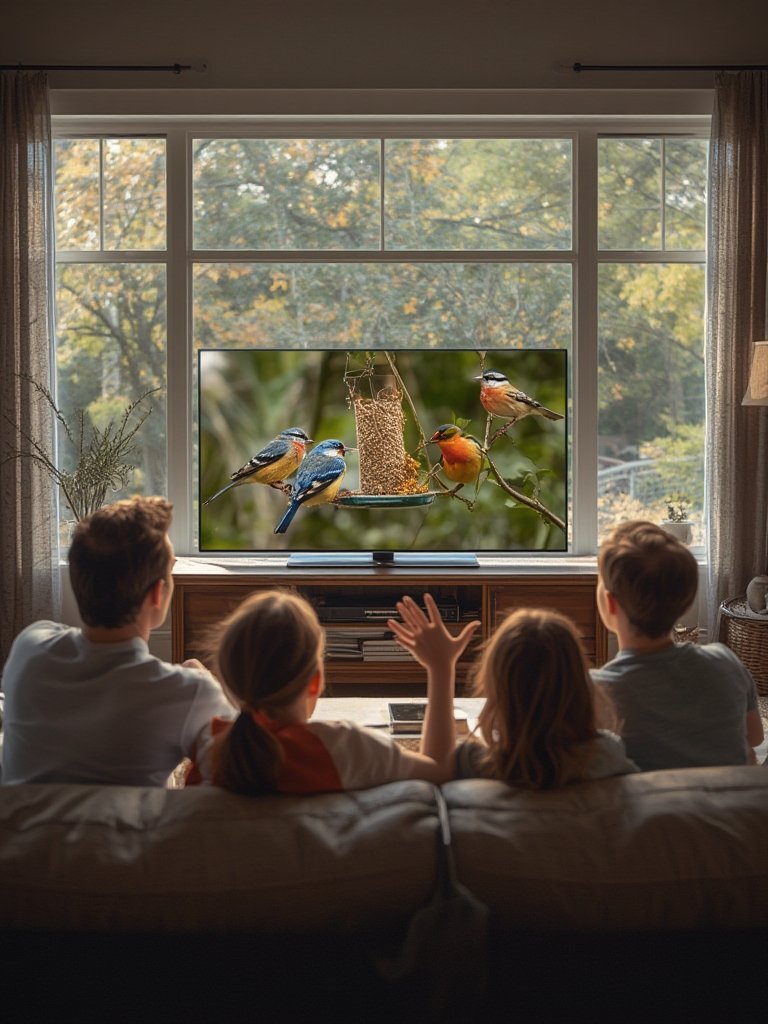
This hands-off, educational approach appeals to everyone from passionate birders to casual families, and growing search interest supports this trend. Recent analyses show the global smart bird feeder segment is set to more than double well into the next decade, with North America, Europe, and East Asia leading adoption (source).
For those wanting unbiased, long-term enrichment options for their pets as well, see also our dog enrichment toys and automatic litter box guides—other “smart” pet market trends running in parallel.
How to Buy and Set Up a Bird Feeder Camera With App: Step-By-Step
Set Your Budget and Feature Must-Haves
Decide on a price point: entry-level models are $120–$180 USD, midrange $180–$250, and robust, solar-integrated systems $250–$350+. Map essential features (resolution, species AI, battery type, local storage vs. cloud, solar).
Check Compatibility With Your Wi-Fi and App
Most feeders use only 2.4GHz Wi-Fi. Make sure your router supports this band and your phone OS is compatible with the manufacturer’s app. Download the app and check reviews for bugginess before committing.
Choose Optimal Placement
Pick a location in clear Wi-Fi range (ideally within 15–20 meters of router, minimal walls) with reasonable sunlight for solar-powered devices. Avoid shaded spots for best battery performance, but consider sight lines for both birds and camera.
Mount and Set Up the Feeder
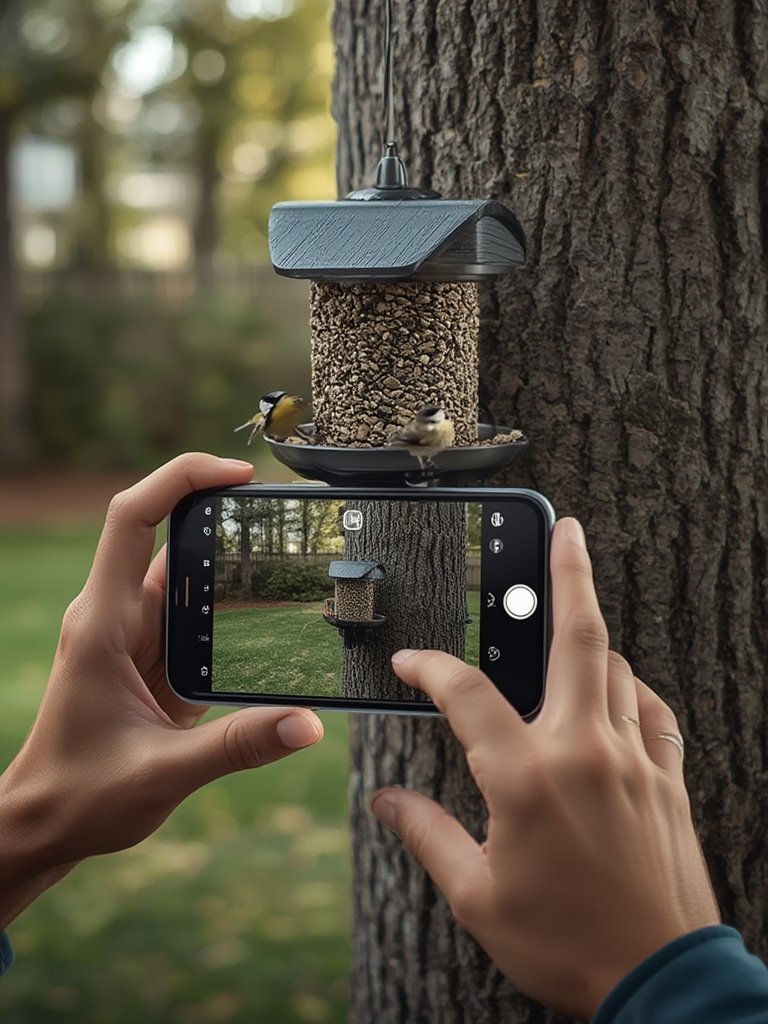
Use sturdy mounts—many premium models include pole or wall brackets. Fill with fresh seed, and test app pairing with feeder nearby before final placement.
Fine-Tune Detection and AI Settings
In the app, adjust motion sensitivity and notification filters. Some feeders let you toggle whether to alert only on birds (vs. squirrels, etc.) or even flag types of visits for later review.
Review Subscription Options Before Uploading
Free tiers often delete clips after 1–3 days or limit detailed species AI. Paid features—advanced ID, up to 30 days of video, multi-device support—can add $3–$10/month, so budget accordingly. Local microSD recording is sometimes an option, but may bypass AI features.
Routine Maintenance Matters
Regularly clean feed trays (moisture leads to mold), check the lens for dust and water spots, and inspect for damage after extreme weather. Update firmware as prompted in the app for best AI and security.
Looking to integrate with other app-powered pet solutions? Smart feeders for cats and dogs are growing just as quickly—check out our comparison of smart pet feeder systems and app-controlled pet feeders for additional options.
Advanced Analysis & Common Pitfalls
Despite the hype and positive reviews, there are recurring problems and technical weak spots with most bird feeder cameras with app. Here’s what you need to know before you buy:
- AI recognition is hit-or-miss: Common, colorful birds (cardinals, blue jays, woodpeckers) are accurately identified in good lighting and centered, but brown sparrows, finches, and birds in poor light are often misclassified.
- Connectivity is the #1 source of user complaints: Most issues stem from 2.4GHz-only support, insufficient Wi-Fi range, or walls/metal siding blocking the signal. If you get frequent disconnects, the live feed and smart alerts will not be reliable.
- Weather resistance varies: Several models have had reports of water intrusion after heavy rain (fogging the lens, damaging the battery), and some plastics become discolored or brittle in strong sun.
- Solar is not truly maintenance-free: In northern/overcast regions or during winter, panels often cannot fully sustain the feeder and require backup USB charging.
- Subscription and hidden costs: The full AI features and video history most people want are paywalled. Free plans often retain clips only briefly or limit the database of recognized species. Check fine print for cancellation policies.
- Design oversights: Feed trays lacking drainage can lead to mold. Perches or camera angles may cause off-frame or blurry birds, which both frustrate users and lower AI identification success rates.
- Privacy and security lack transparency: Vendors rarely explain how/where data and video is stored and offer only generic encryption claims. Like most consumer IoT devices, there are vulnerabilities if accounts or firmware updates are neglected. (For privacy-first buyers, you might prefer simpler outdoor cameras such as a solar powered security camera with no cloud AI.)
| Problem Area | Details | Severity | Workarounds/Tips |
|---|---|---|---|
| AI Bird ID Accuracy | Often misidentifies drab or similar-looking birds, especially off-center or in poor light | Medium/High | Submit corrections in app; regularly update firmware |
| Wi-Fi Connectivity | Requires 2.4GHz, affected by distance and obstacles | High | Use Wi-Fi extender; choose a closer mounting spot |
| Weather Durability | Water ingress, sun damage possible | Medium | Install under eaves/cover; check housing regularly |
| Subscription Costs | Full features (AI, video) usually require monthly fee | High | Compare plans, factor into 3–5 year cost |
| Physical Design Quirks | Trays trap water, perches not well positioned | Medium | Check user reviews and product images |
| Privacy/Security | Unclear data storage and retention; basic encryption | Medium | Use strong unique passwords, update firmware |
If you value long-term durability, multi-year cost transparency, or advanced security, note that most “best-of” guides skip these issues (see here). For a complete lifecycle and technical review, rely on raw user data and independent product tests—some market overviews can be found at Growth Market Reports and Research and Markets.
If you’re seeking sustainable, yard-friendly upgrades, see our guides for vertical garden systems, artificial grass turf, or the latest smart plant pot with app trends for a more holistic garden project.
Conclusion
Bird feeder cameras with app-based AI deliver a unique, hands-off way to connect with backyard nature. However, you need to plan ahead for subscription costs, network range, and realistic identification limits. Do your homework, set up with care, and update regularly—the more prepared you are, the more rewarding the experience will be. Want to see the latest reviews or compare other app-enabled outdoor tech? Explore our full guides and make your bird feeder camera with app setup a real highlight of your outdoor space.
Ready to get started? Compare the latest models, review your Wi-Fi and app needs, and start recording your first feathered visitors today.
Frequently Asked Questions
Do I need a subscription to use a bird feeder camera with app?
Most cameras work “out of the box” for live streaming and basic notifications, but features like advanced species ID and long-term cloud storage usually require a paid subscription. Check plan terms before purchase.
How accurate are the AI bird identifiers?
AI is usually very accurate for distinctive or colorful birds in good lighting. Misidentifications happen often with small brown birds, birds in bad light, or those partially off-frame. No vendor publicly provides detailed accuracy statistics.
Will solar panels keep the device running year-round?
In sunny, unobstructed locations, solar panels often provide enough charge for continuous use. In shaded areas, during winter, or in overcast climates, you may need to supplement with USB charging.
Is my video footage private and secure?
Most devices use encrypted connections, but brands rarely explain in detail how video is stored, for how long, or who has access. Use strong passwords and keep firmware updated, but understand privacy is not guaranteed at the same level as pro security cameras.
What Wi-Fi is required for a smart bird feeder camera?
These devices typically need 2.4GHz Wi-Fi (not 5GHz only). To avoid connectivity problems, ensure your router supports 2.4GHz and place your feeder within 15–20 meters in open view of your router.