

Smart door lock fingerprint systems are changing how people secure their homes, offering quick, keyless access and enhanced safety through personal biometric authentication. As these locks become more popular globally, homeowners are weighing the convenience, costs, and actual security benefits of switching to fingerprint-enabled solutions. This guide pulls together the most current insights, actionable advice, and real-world cautions so you can decide—realistically—if a fingerprint smart lock is the right upgrade for your home.
Key Takeaways
- The global smart door lock fingerprint market is growing fast, driven by demand for security and convenience, especially in North America and Asia Pacific.
- Installing and operating a fingerprint lock is straightforward, but users should be aware of potential reliability and security limitations.
- Hybrid models with backup options—like PINs or mobile apps—offer extra reliability if a fingerprint scan fails.
- What is a Smart Door Lock Fingerprint System?
- Step-by-Step Guide: Choosing and Installing a Fingerprint Smart Lock
- Advanced Analysis & Common Pitfalls
- Conclusion
- FAQ
What is a Smart Door Lock Fingerprint System?
A smart door lock fingerprint system replaces or supplements a traditional door lock with a device that recognizes authorized users by scanning their unique fingerprints. These systems eliminate the need for physical keys, making it faster and often safer to access your home. Advanced models integrate with apps or smart home systems for further control and monitoring.
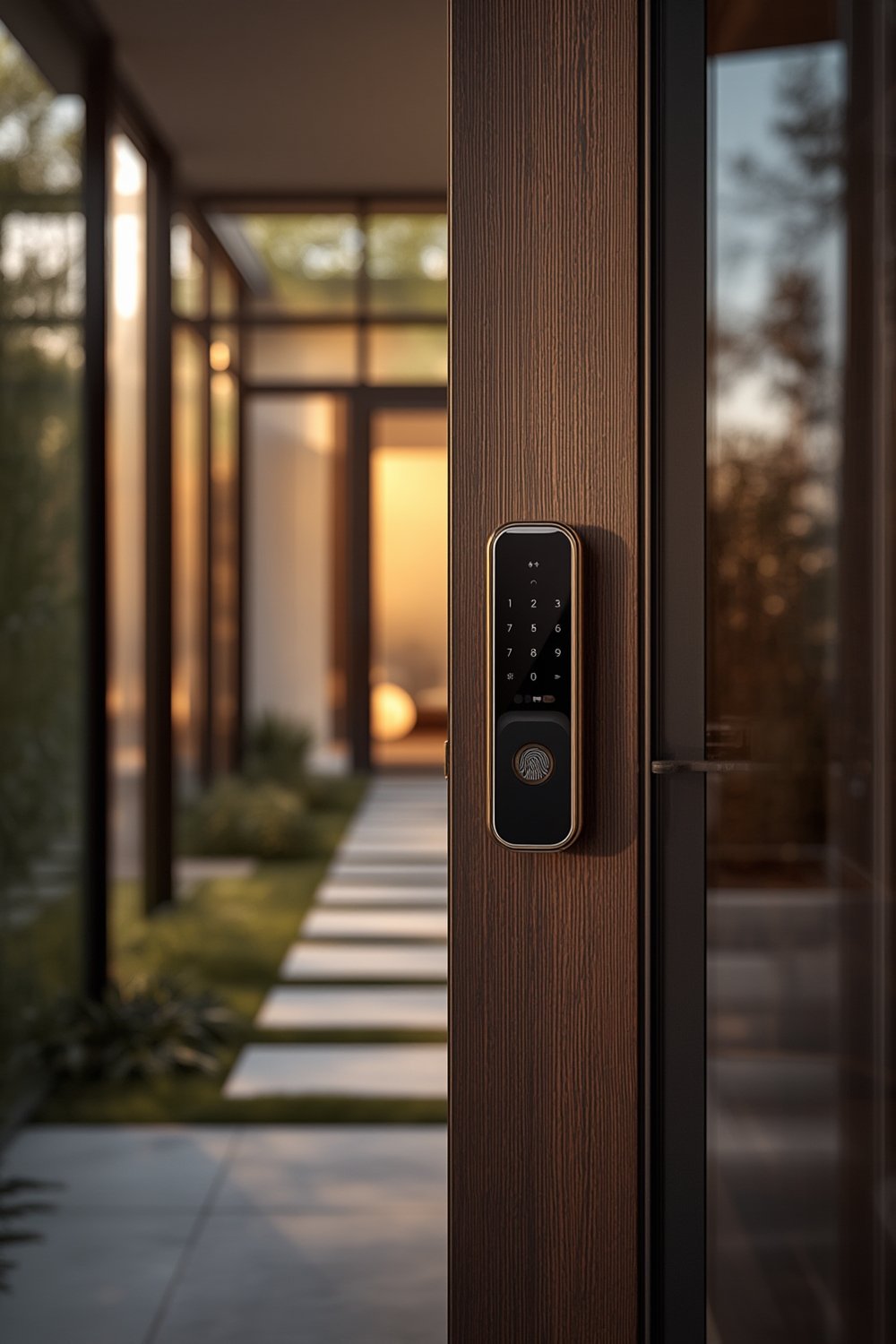
Globally, smart locks that use fingerprint authentication are rapidly gaining market share. According to industry research, the market was valued at USD 2.82 billion in 2024 and is expected to reach up to 17.10 billion by 2034. North America leads, accounting for 40% of the market, while Asia Pacific sees the fastest adoption due to urbanization and rising security awareness. Fingerprint solutions dominate the biometric segment, driven by homeowners seeking both security and convenience.
Smart fingerprint locks often appeal to people looking for effortless entry—many models simply need a touch to unlock. With the rise of hybrid solutions, users can also manage their locks via smartphone apps, providing more flexibility and control than ever before.
Integration with other smart home devices, remote management, and user-friendly designs are now standard, but understanding the basics is key before you invest in this technology.
You’ll find similar biometrics-based trends in other home and pet tech, such as smart litter boxes or automatic pet feeders, as households increasingly look to streamline everyday tasks with intelligent devices.
Step-by-Step Guide: Choosing and Installing a Fingerprint Smart Lock
- Assess Your Door CompatibilityNot all smart door lock fingerprint systems fit every door style. Measure your door’s thickness, check your lock’s type, and look for any obstructions near the lock area. Most fingerprint locks fit standard doors, but it’s best to check the product’s specs before ordering.
- Research Key Features
- Fingerprint Accuracy: Look for low false acceptance rates (FAR) and high user capacity if you want to control access for family, friends, or tenants.
- Backup Access: Choose a model offering secondary unlocking methods (PIN, card, app) to avoid lockouts if the fingerprint scanner fails.
- Power Management: Check the battery life and if there’s a backup option for emergency power (such as a USB port).
- InstallationMost modern units are DIY-friendly. Remove the old lock, align the smart lock with your door’s cutouts, and secure it as instructed. Some brands require smartphone setup or fingerprint enrollment before final mounting. Always test the lock before full installation.
- Enroll UsersFollow setup instructions to add authorized fingerprints. Usually, the admin user scans their print first, then adds others as needed. For multi-resident homes or rental units, models that allow dozens or hundreds of fingerprints are ideal.
- Connect to Your smart home integration or AppMany fingerprint smart locks support integration with mobile apps, Amazon Alexa, or Google Assistant. This adds remote management, notifications, and unlocking via your phone.
- Maintain Secure SettingsRegularly review enrolled fingerprints and remove access for anyone who no longer needs entry. Keep firmware updated via the app to patch any potential vulnerabilities.
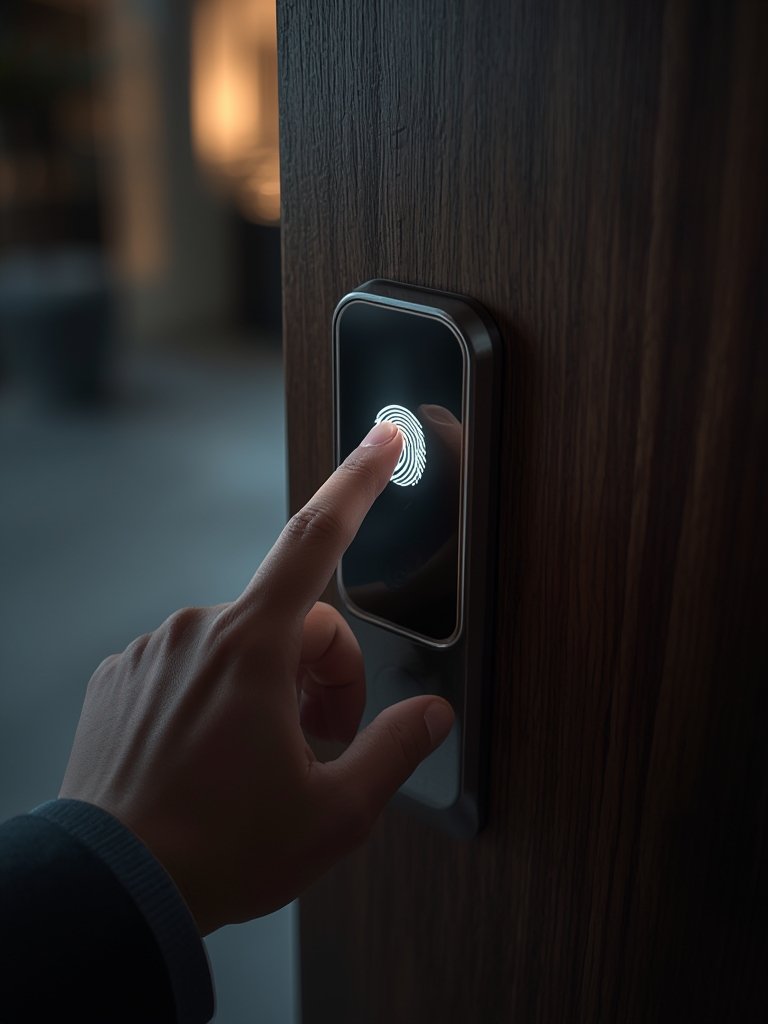
These steps also apply to upgrading other smart home technologies—for optimizing installation or pet-friendly tech, see our guides on smart thermostat installations or pet-friendly sofa materials that complement secure, intelligent homes.
Advanced Analysis & Common Pitfalls
No technology is flawless, and that includes smart door lock fingerprint systems. Here are issues that buyers should weigh before investing:
- Reliability: Fingerprint sensors can misread prints due to wet, dirty, or injured fingers. Extremely cold weather or bright sunlight may also impact recognition rates. Backup unlock methods are vital.
- Installation Challenges: Retrofitting non-standard doors, or misaligning the sensor during install, can cause lock malfunctions or reduced security. Always measure and follow instructions closely.
- Security: While biometric locks add a layer of protection against picking or stolen keys, no device is immune to vulnerabilities. It is possible—but rare—for sophisticated attackers to spoof fingerprints. Firmware should be kept up to date, and choose locks from reputable brands.
- Cost: Retail prices fluctuate widely based on features, brand, and region, but recent data does not specify exact 2024 costs. Consider total expenses: purchase, installation (self or pro), periodic battery replacement, and potential repairs.
- Privacy: Some users worry about how fingerprint data is stored and managed. Look for products that clarify their storage practices and comply with relevant privacy standards, even though 2024 certification info remains sparse (source).
| Feature | Fingerprint Smart Lock | Traditional Keyless Lock (PIN/Card) |
|---|---|---|
| Security Level | High (biometric verification, but rare spoofing possible) | Moderate (PINs can be guessed/copied, cards lost or stolen) |
| Ease of Use | Touch-and-go access; no codes to remember | Requires remembering/access to code/card |
| User Capacity | Supports many fingerprints | Limited by PIN or card slot number |
| Failure Modes | Dirty/damaged finger, battery issues | Forgotten PIN, lost card, battery issues |
| Backup Options | Often includes PIN, key, or app backup | Usually PIN and sometimes mechanical key |
Ultimately, the best fingerprint smart lock balances advanced features (like rapid recognition and hybrid backups) with robust after-sales support. If you need outdoor protection for valuables, consider pairing it with a solar powered security camera for all-day coverage.
Conclusion
Smart door lock fingerprint technology offers fast, convenient access and a significant security upgrade compared to traditional keys or basic keyless entry systems. While installation is usually straightforward, pay close attention to compatibility checks and choose models with reliable backup options. Understand that while hacking or spoofing is rare, it’s not impossible—use best practices and keep your system updated. For most, the ease of use and peace of mind outweigh the small but real risks.
Ready to upgrade your entryway? Compare leading options, evaluate your door, and ask a qualified installer if unsure—your home’s safety is worth it. For more smart home enhancements, browse our guides on garage storage systems, vertical garden systems, and automatic dog doors. Choose a smart door lock fingerprint solution that delivers peace of mind for years to come.
FAQ
Are fingerprint smart locks really secure?
Yes, smart door lock fingerprint systems are considered highly secure. Biometric access is difficult to fake, and most leading products use encrypted storage for fingerprint data. However, always choose reputable brands and update firmware to minimize potential vulnerabilities.
What happens if the fingerprint scanner fails or the battery dies?
Most models include a backup unlocking method—a mechanical key, PIN code, or mobile app. Always set these up at installation and keep an emergency key in a safe location.
How many users can be registered on a typical fingerprint smart lock?
Leading products commonly support 20–100+ fingerprints, making them ideal for families, roommates, or small businesses. Always review the device specs before purchasing.
Do fingerprint smart locks support smart home integration?
Yes, many offer app control, remote monitoring, and even voice assistant integration. Features vary by model, so verify compatibility with your existing smart devices.
What is the maintenance required for a fingerprint smart lock?
Maintenance is simple: clean the scanner periodically, replace batteries as needed (usually once or twice a year), and review access logs if supported. Firmware updates may also become available via the app.